The brief
Show that placement is a relationship between a component and a designated board position. Use a visible orientation marker to make the conceptual task specific without pretending to show an automated line.
Scene sequence and accessible transcript
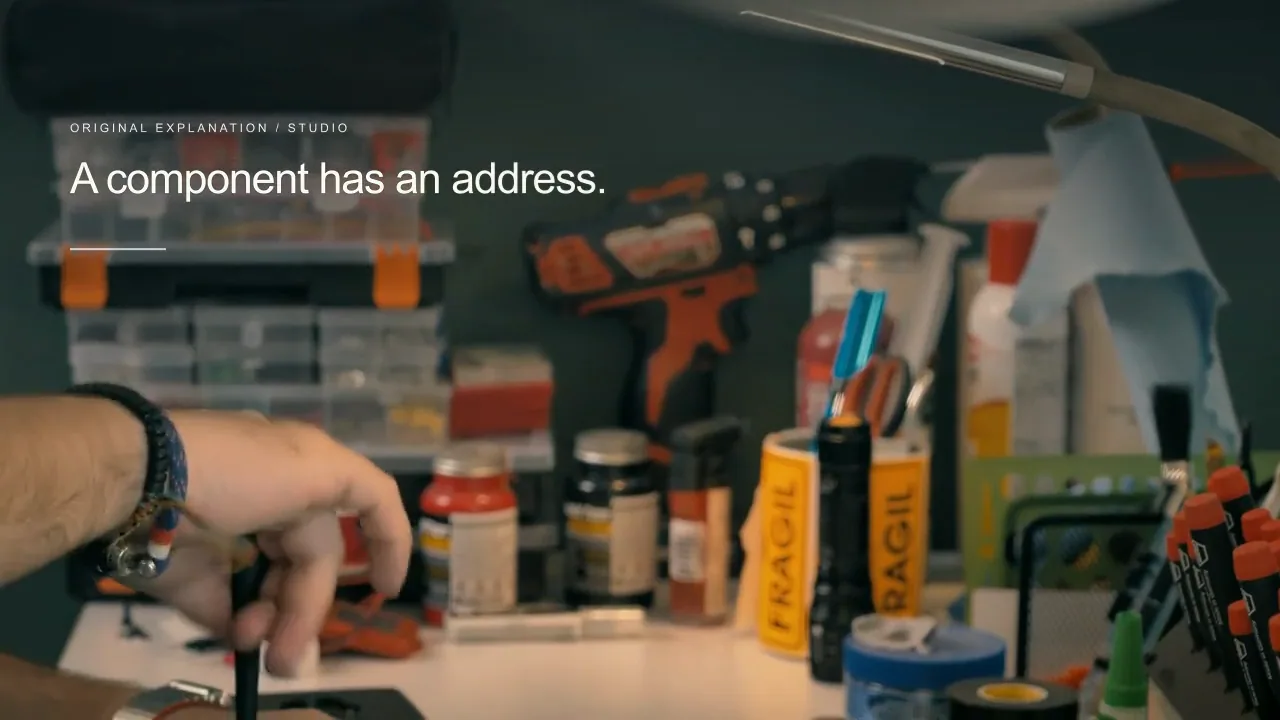
0:00–0:06 — An engineer handles a circuit board at a repair bench. On-screen: “A component has an address.”. Spoken: “A board gives each intended component a designated position.”
0:06–0:12 — A fictional chip lowers toward a marked board footprint. On-screen: “Position is a relationship.”. Spoken: “The footprint defines an illustrated placement relationship.”
0:12–0:18 — The component reaches the footprint with its corner marker visible. On-screen: “Orientation still matters.”. Spoken: “Orientation connects a component marker to its intended position.”
0:18–0:24 — Real repair-bench activity continues. On-screen: “Return to the actual board.”. Spoken: “The actual board design holds the engineering details.”
What the film does and does not establish
Real stock scenes show repair and laboratory activity. The original board and component are fictional and not an electrical design, pick-and-place file, solder-process specification, or semiconductor fabrication record.
Keep the business information reviewable
When the board revision or component changes, review the reference designation, footprint, and orientation against actual engineering source files; update visuals and captions together.
Production and source
This is a complete authored studio film with four independently sequenced scenes, original narration, a film-specific score, and captions. The film is a fictional campaign concept rather than a customer case or a Martius product execution recording.
Real stock shots and original simplified illustrations are explicitly distinguished. Raw source footage stays in private production directories; only the edited film, poster, and captions are published.
Words, sound and scene notes
- 00:00
- A board gives each intended component a designated position. [Visual: An engineer handles a circuit board at a repair bench. Original instrumental score.]
- 00:06
- The footprint defines an illustrated placement relationship. [Visual: A fictional chip lowers toward a marked board footprint. Original instrumental score.]
- 00:12
- Orientation connects a component marker to its intended position. [Visual: The component reaches the footprint with its corner marker visible. Original instrumental score.]
- 00:18
- The actual board design holds the engineering details. [Visual: Real repair-bench activity continues. Original instrumental score.]