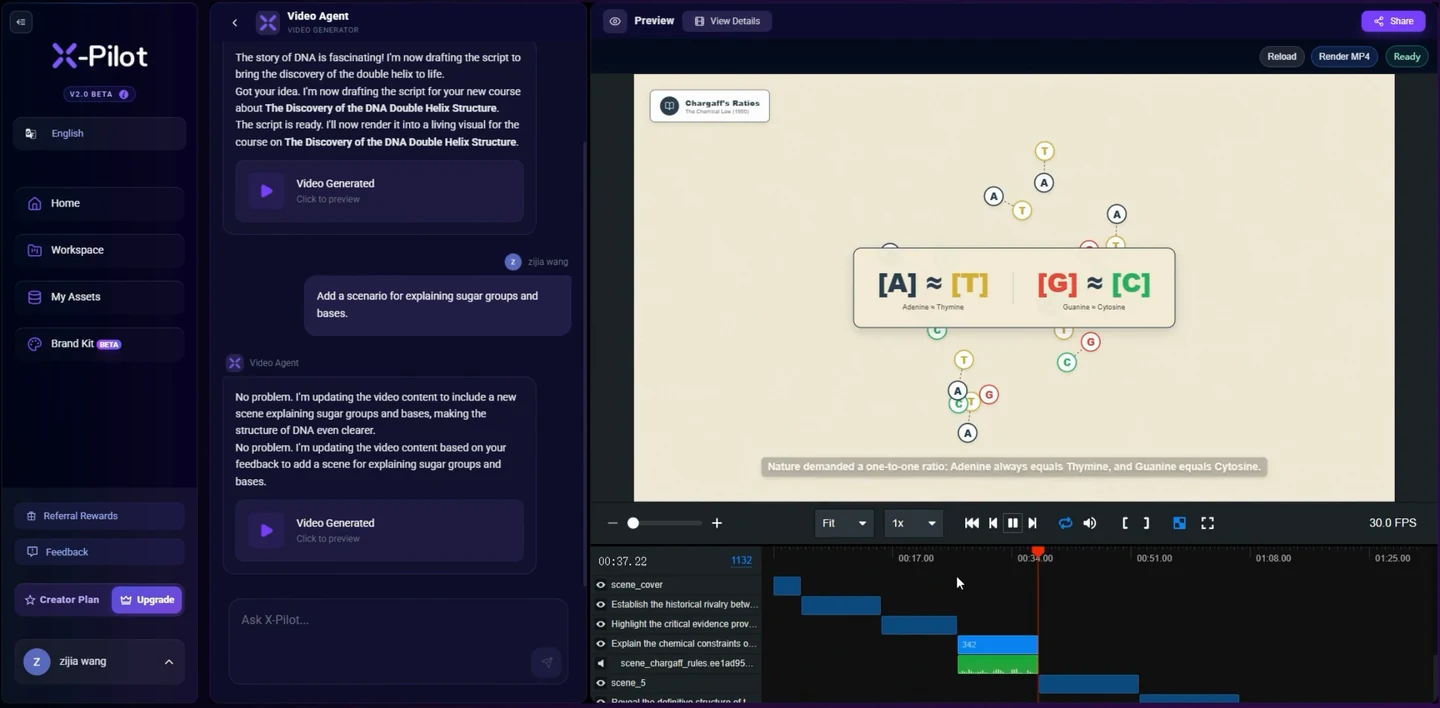
A useful software video lets the viewer connect an instruction, an interaction and its result. Follow this real editing task inside X-Pilot.
Videos play silently when visible. Tap the film or press Space while it is focused to pause or resume. This recording has no sound.
Recorded in X-Pilot, the web application built by the Martius team. This is real software source footage for a product video. The recording does not document a Martius desktop capture run. About the team ↗
0:01
The request
The user asks: “Add a scenario for explaining sugar groups and bases.” The existing DNA project remains visible.
0:08
The response
The application responds to the request inside the same project.
0:11
The result
The updated DNA explanation appears alongside the project preview and timeline.
Who it is for
Sales, solutions and product teams answering a buyer’s question with a clear product demonstration.
Build the video from your actual material, direct the creative treatment and review the facts before you export or publish.
Start with the real thing
Bring the material that makes it yours.
Your product and business information are the source of truth. Creative treatment should help communicate them.
The buyer’s role, buying question and desired next conversation
A current product recording, approved demonstration task or real product footage
Verified features, availability and implementation information
Approved test data, brand material and a relevant call to action
A useful working brief
Create, refine and deliver the video.
A connected Agent workflow, with the source material and review at each stage.
Define the buyer’s question
Tell Martius which decision the video should support. Select the relevant approved product context and build a demo around a visible workflow or product result rather than every feature in the catalogue.
Capture or add the actual product
Use desktop capture for an approved task in supported software, or add your existing screen recording and product footage. Keep the source recording and its version with the project.
Build a clear demonstration
Let Martius organize the recording into an editable sequence with focused narration, readable labels and an optional avatar presenter. Keep the actual interaction prominent so the buyer can see the evidence behind the explanation.
Revise for the conversation
Change the opening, shorten a section or update a feature description. Inspect affected scenes, voice and captions, then compare the revised demo with the approved parent. Reuse the relevant material for another buyer brief.
Review and hand off
Check product accuracy and sensitive information, then export the video, poster, captions and transcript or publish to a supported destination. Record which product and audience version was delivered.
What to direct
Decide what should change.
The buyer context and the workflow being demonstrated
Approved desktop actions, test data and actual recording
Explanation, presenter placement, annotations and next step
Product revision, delivered version and access settings exposed by the destination
What to verify
Keep the boundaries visible.
Desktop capture works within supported software workflows and approved actions. It does not establish universal application or integration compatibility.
Demo environments should use approved test data and avoid confidential customer information.
A polished demonstration does not establish implementation effort, compatibility or a financial outcome without separate evidence.
Match the delivery settings to your destination. Review the exported film, caption files and publication details before approving a transfer.
Creative directions
A little inspiration for the brief.
Studio concepts with clear provenance.
Videos play silently when visible. Tap the film or press Space while it is focused to pause or resume. Sound starts only when you enable it.
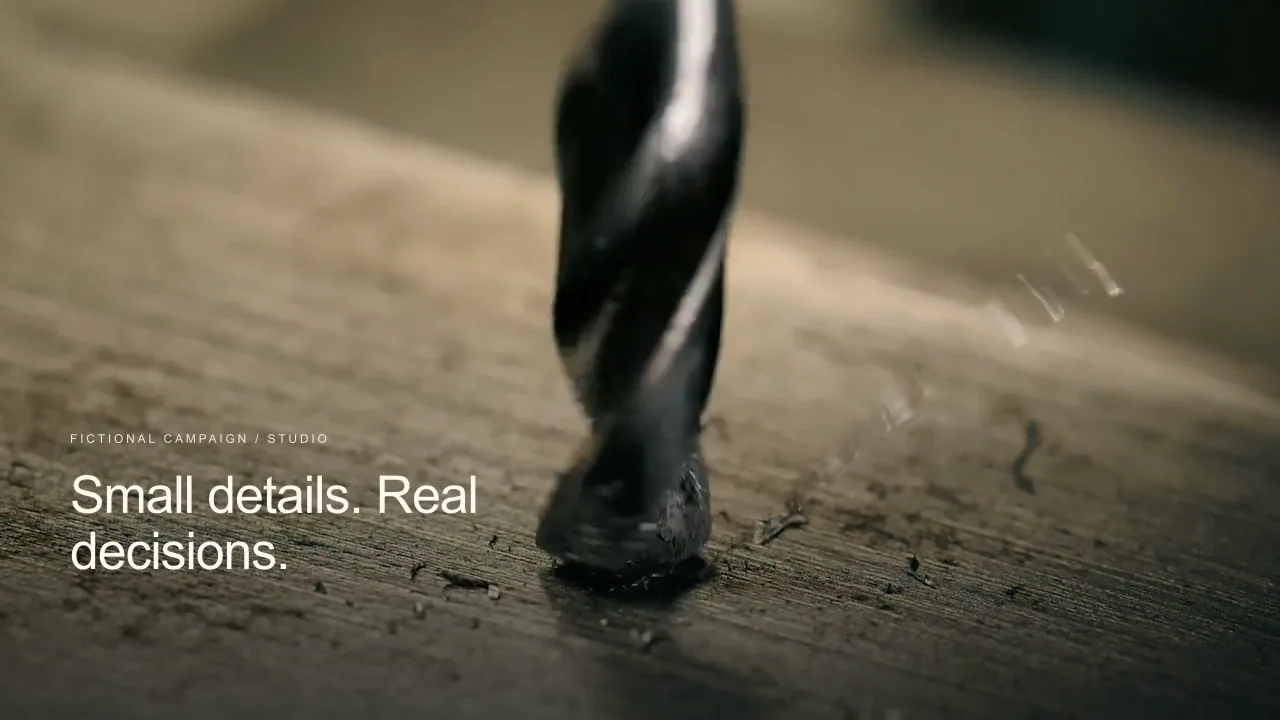
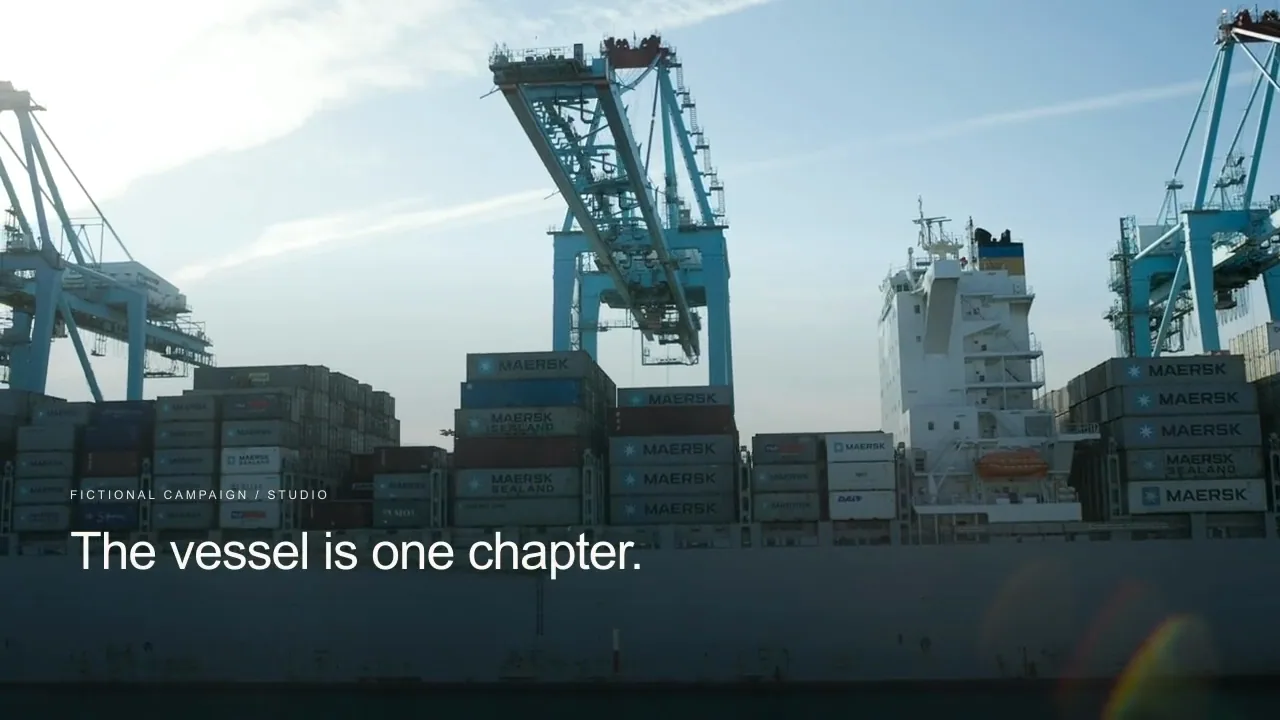
A precision inspection sales concept moves from one real drilling scene into a distinct three-stage observation of an original metallic bracket: locate, illuminate, and review.
Martius studio · Authored showcase
Videos play silently when visible. Tap the film or press Space while it is focused to pause or resume. Sound starts only when you enable it.
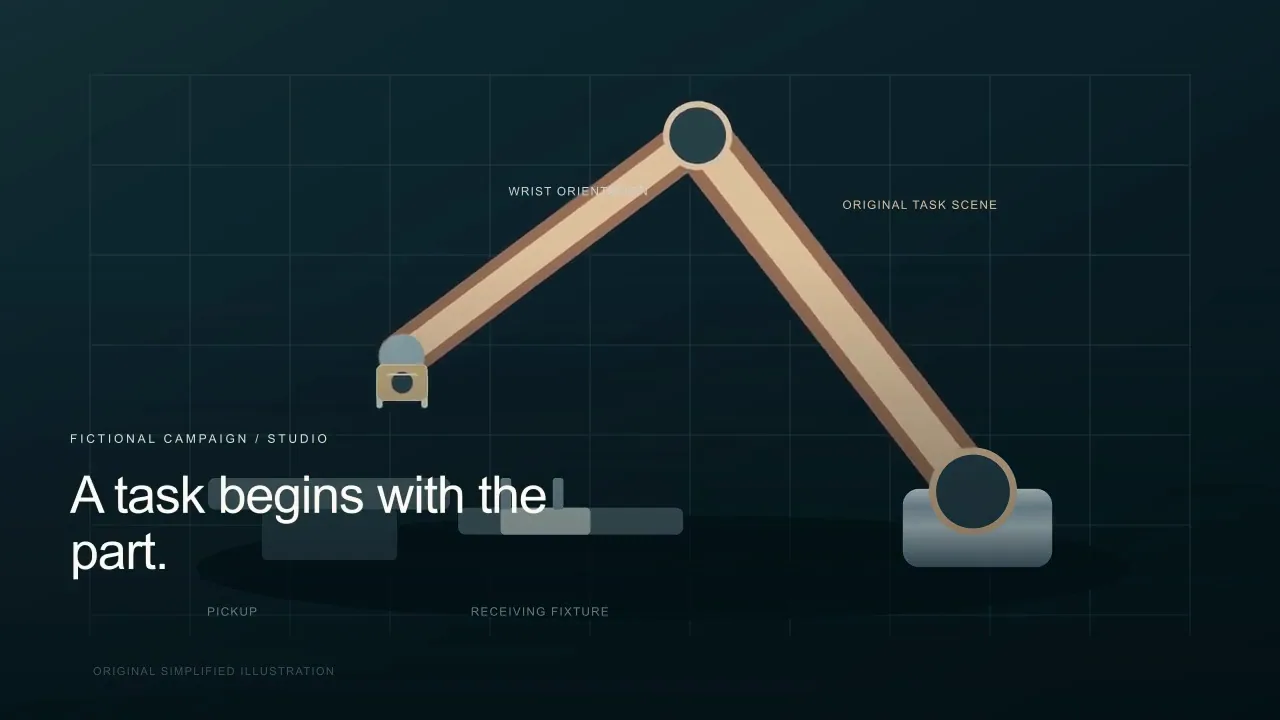
A distinct articulated-arm sales concept picks up a part, changes its wrist orientation, and transfers it into a receiving fixture, alongside separate real CNC context.
Martius studio · Authored showcase
Videos play silently when visible. Tap the film or press Space while it is focused to pause or resume. Sound starts only when you enable it.
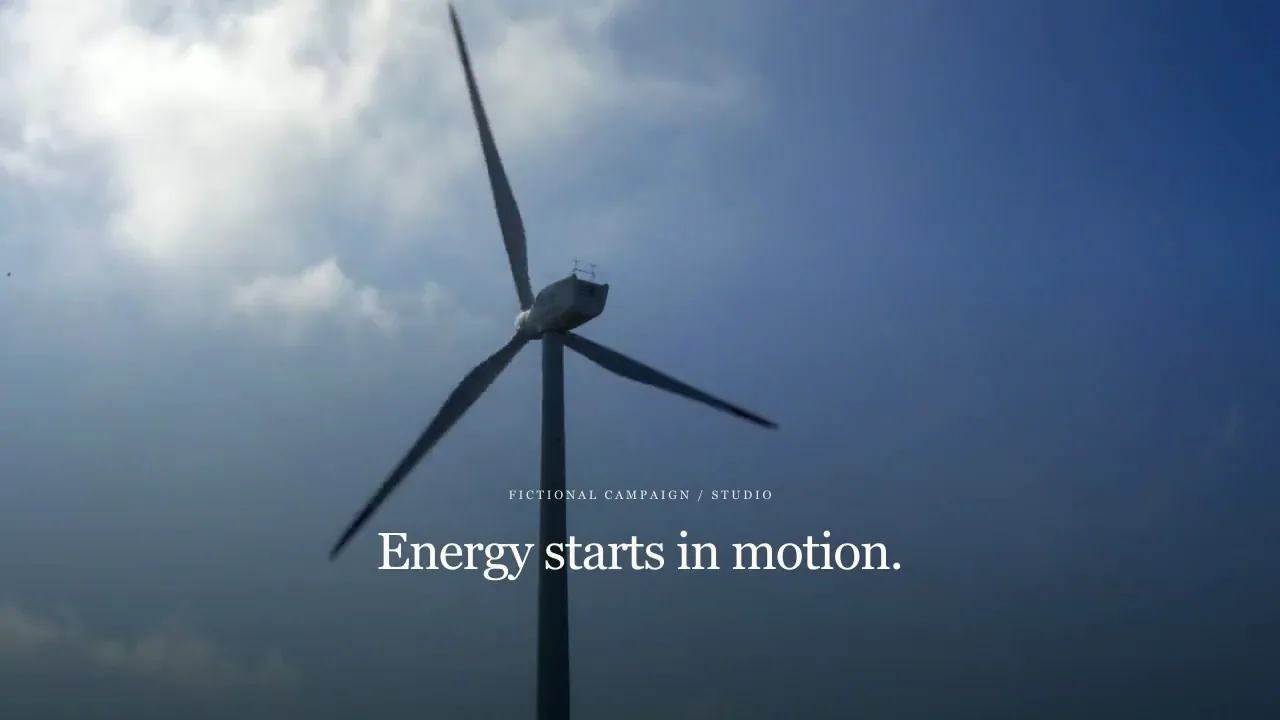
A wind-energy sales concept moves from real rotating blades to an original three-dimensional generator cutaway with moving rotor and visible stationary windings.
Martius studio · Authored showcase
Videos play silently when visible. Tap the film or press Space while it is focused to pause or resume. Sound starts only when you enable it.
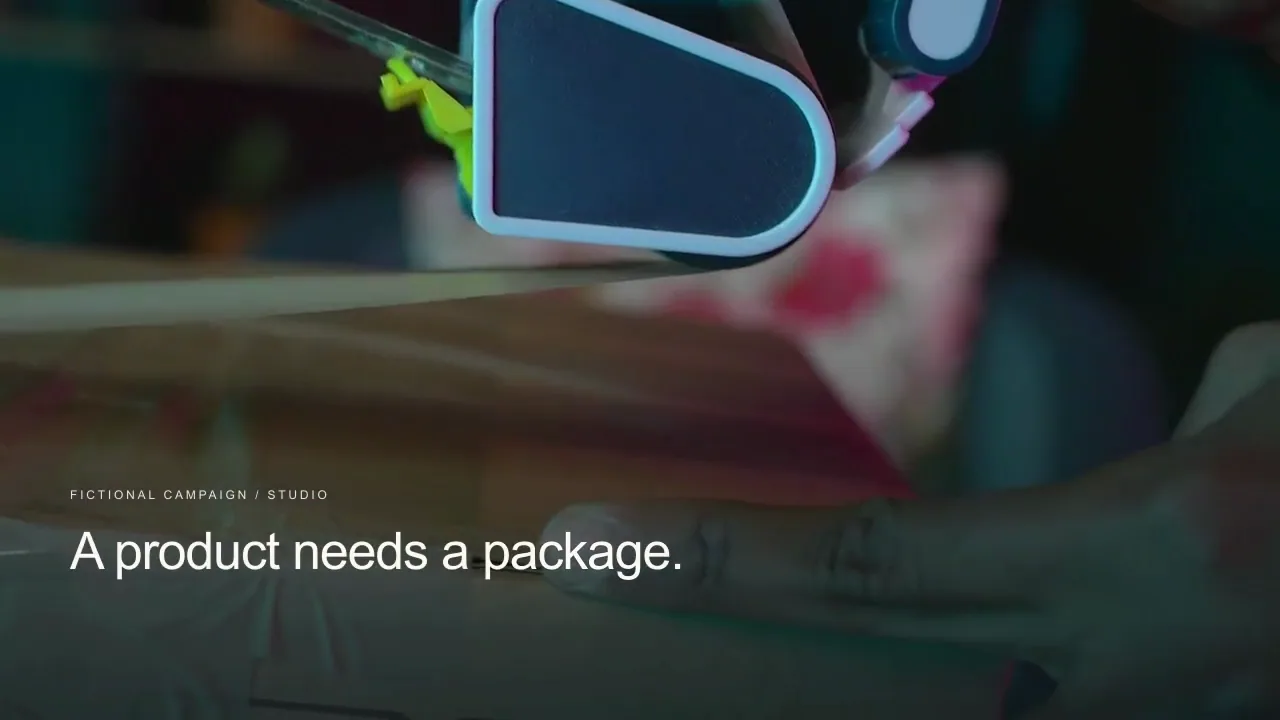
A packaging sales concept combines real hands sealing a carton, an independent three-dimensional carton fold and product-placement sequence, and real home unpacking context.
Martius studio · Authored showcase
Prepare for publication
Put the right demonstration in the right conversation.
Selected hosting, sales pages and customer handoffs
Deliver the reviewed product version with the materials a buyer needs. Private access, viewing analytics and CRM behavior depend on the selected service and are not implied by a video delivery.
The product and audience version approved for the conversation
A poster, captions, transcript and relevant call to action
Available destination access controls and a check for customer information
A record of the delivered version and its accountable owner
Review the selected version, destination account, visibility and delivery settings before publishing.
Questions, answered
Creating sales videos with Martius
How can I create an AI product demo with Martius?
Describe the buyer’s question and add the real product materials. Capture an approved supported software task or use your own recording, then create an editable demo with narration, labels and an optional presenter. Review the actual product behavior and deliver the approved version.
Will Martius record my software product?
Yes. The desktop capture workflow performs and records an approved task in a supported environment, then adds the resulting footage to your local project. Choose the starting state, allowed actions and expected visible result; universal application support is not claimed.
Can I update a demo when the interface changes?
Yes. Supply or capture the updated workflow and identify the affected product information. Martius creates a revision across the relevant screens, explanation, narration and captions so you can compare it with the approved parent before delivery.
Can an avatar explain the demo without covering the product?
Yes. Use a standalone introduction, a corner presenter or a split view. Adjust the presenter’s timing and size around the actual interface, and check that important buttons, labels and captions remain visible.
Are the software films on this website real Agent recordings?
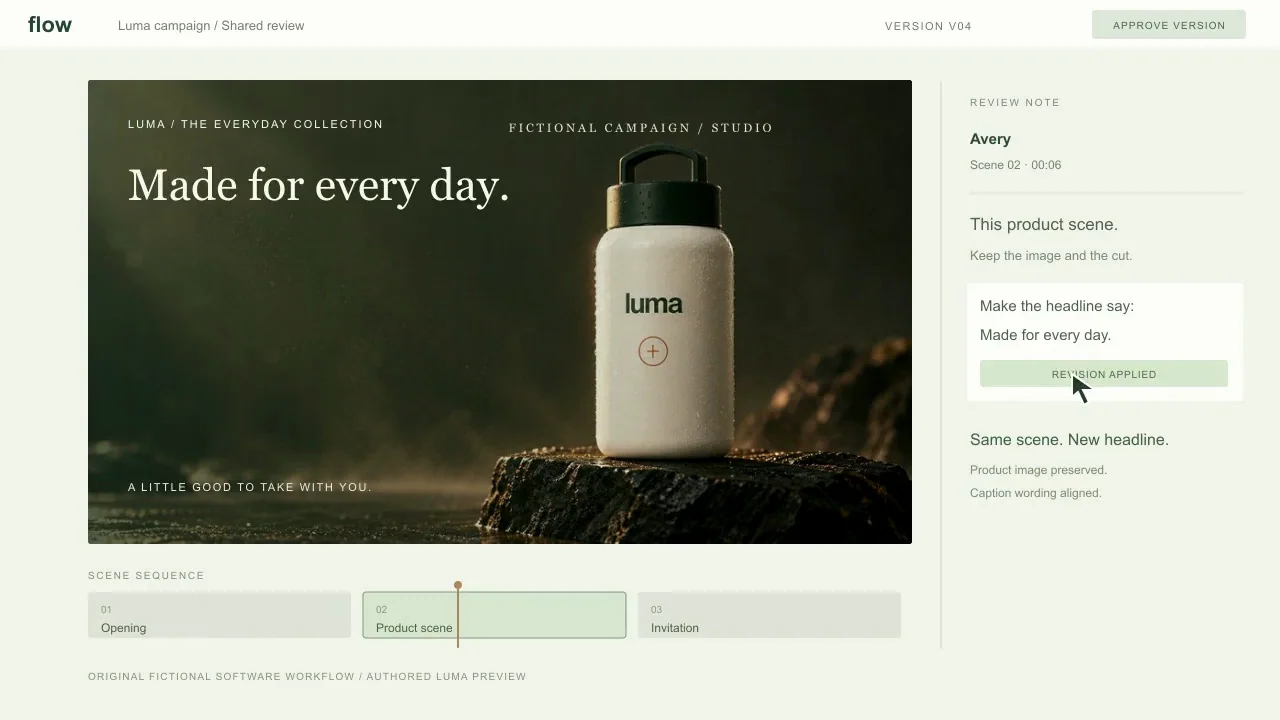
The published studio examples are authored visual references, with their materials and production method identified on each watch page. An illustrative interface is not a recording of an actual Martius capture task.
 Videos play silently when visible. Tap the film or press Space while it is focused to pause or resume. Sound starts only when you enable it.