“Change $39 to $29. End the offer on November 30. Keep the approved creative.”
Source change
Offer frame / scene 03
$39$29
Voiceover script
Thirty-nine dollars.Twenty-nine dollars.
Caption + end card / scene 05
Offer ends October 31.Offer ends November 30.
What this study retains
Product sourceQuiet editorial treatmentOpening + pace
An authored before-and-after example. Review the affected content alongside the product source and the creative choices being retained.
03 / Work from your own sources
Your real product. A better starting point.
Your application, product footage and brand files already live on your computer. Martius brings those working materials into the project, with original files kept local.
For supported software: capture a reviewed task. For physical products: work with actual photos and footage.
The Agent captures an agreed software task, then records where that segment is used in the film.
01Choose the supported workflow + permissions
02Capture and review the relevant moment
03Reference the reviewed segment in the film
Original files stay localReview has a sourceNext version has a starting point
Illustrated workflow, not an autonomous capture recording. Original material and editable projects stay local. Finished outputs stay local by default; selected delivery copies leave only after explicit publishing approval. Keeping originals local is separate from model requests and approved publishing transfers. Read the data-handling documentation for that boundary.
Course runtime or learning records, validated for the target.
Match the delivery to its placement. Check the course package or learning record in the receiving system.
Prepare
Files and accompanying materials.
Review
The exact version and action.
Publish
Your approved destination.
Confirm
The result and its record.
Revise
Return to review.
Publishing a creative is separate from activating paid media. SCORM packages, xAPI learning records and cmi5 launches each have their own delivery settings.
Local files / Your desktop
Keep the source. Own the next version.
The originals and the editable project belong on your device. A handoff starts with your approval.
Names, prices, specifications and the brief.PDF / DOCX
Photos + brand assets
The product, the identity and cleared imagery.JPG / PNG / SVG
Footage + recordings
Original clips and real product interactions.MP4 / MOV
Editable project
Scenes. Product facts. Approved revisions. The work you can keep building on.
Originals and editable projects stay on your device. Outputs stay local by default. Your explicit publishing approval sends only selected delivery copies and required metadata.
Martius is a desktop AI Video Agent for business video creation. It connects your brief and real source materials with scenes, editing, review, export and publishing in one editable project. You direct the creative work while product facts, brand choices and revisions remain available for review.
What kinds of videos can I create?
Create video ads, marketing campaigns, product launches, sales and product demos, explainers, educational videos and training content. Start with the business task, source material and intended destination; use the six use-case pages for specific workflows and examples.
What makes Martius different?
Martius keeps product facts and creative choices separately editable, carries approved brand context into the next video, and maps requested updates to affected scenes, narration and captions. Real product capture, optional avatar presenters, production review and destination-specific delivery remain connected to the local project.
Can I update a video after a price or product detail changes?
Yes. Describe the new information and the work you want to keep. Martius identifies affected text, narration, captions and scenes, builds the next version and lets you compare it with the approved film before export or publishing.
Why use a desktop AI Video Agent?
Business video material often begins in local files and working software. Martius connects those sources, supported product capture and editable scenes on your device. Original documents, source footage and editable projects stay local. Model requests and approved delivery copies have their own data paths; keeping originals local does not mean every AI operation runs offline.
Will my original material and videos be uploaded to the cloud?
Original documents, photos, source footage, recordings, portraits, source audio and editable projects stay on your device. Finished outputs remain local by default. An explicit publishing approval sends only selected delivery copies and required metadata to the destination you choose. Local project storage does not imply fully offline AI: model requests, derived service data and learning or destination records have their own documented scope.
Can I reuse my product and brand context for the next video?
Yes. Keep approved product facts, source versions, brand assets, preferred wording, pronunciation and reviewed creative decisions in local context. Select what applies to the next task, replace expired information and review the new result. Context reuse does not imply automatic private-model training.
Can I include an avatar presenter in a product video?
Yes. Choose an authorized presenter source and selected voice, use an approved script and combine the passage with real product footage, screens or diagrams. Reuse the person and voice for script revisions, then review pronunciation, lip sync, captions and layout in the complete film.
How is a video prepared for review and delivery?
Martius connects approved source information, visible text, narration, captions and delivery requirements in the same project. Locate corrections, compare revisions with their approved parent and inspect the actual exported file. Export the reviewed video and supporting materials locally or approve a named publishing destination.
Can I keep editing after the first export?
Yes. The editable local project retains scenes, source references, versions and review decisions. A finished video is a playback file; keep an editable project backup separately so another update or channel version can begin from the approved work.
Can Martius publish videos to connected platforms?
Yes. Prepare the destination-specific output and accompanying material, review the selected account and action, then approve the delivery. Martius records the destination’s confirmed result. Upload, scheduling, post creation and replacement depend on the selected connector’s supported operations.
Is SCORM or xAPI another video file format?
No. SCORM packages learning content and provides communication with an LMS. xAPI defines learning-event data and communication with a learning record store, or LRS. Martius delivers through the selected supported learning profile; an MP4 alone does not implement course runtime or learning records.
Are the films on this website generated by Martius?
The 66 studio films were authored for this website using documented footage, generated photography, animation, narration and sound. Each watch page identifies its source material and production method. They are creative examples rather than customer campaigns or recordings of the Agent making those films.
How do I get Martius and its pricing?
Use the desktop download page for installation access and setup guidance. Contact the Martius team for pricing, billing terms and the usage requirements of your team. X-Pilot pricing is separate from Martius.
Meet Martius
Make room for your next film.
Bring your product, your point of view and the material you already have.
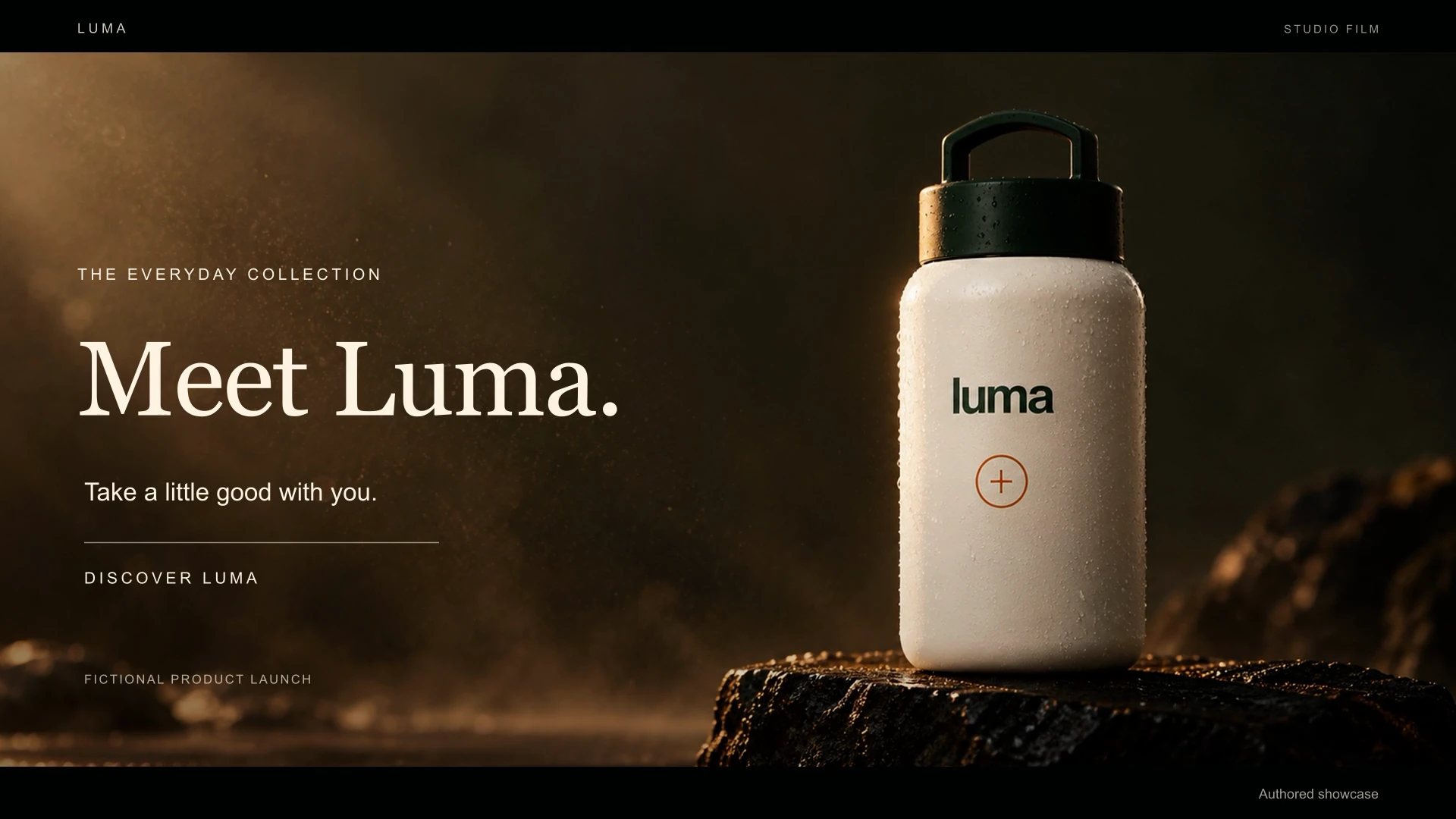
 Videos play silently when visible. Tap the film or press Space while it is focused to pause or resume. Sound starts only when you enable it.