Create educational videos with AI using visual lessons, narration and source materials. Review scientific and medical explanations and prepare learning delivery.
Customer education, scientific communication, medical education and professional learning teams explaining one reviewed concept.
Build the video from your actual material, direct the creative treatment and review the facts before you export or publish.
Start with the real thing
Bring the material that makes it yours.
Your product and business information are the source of truth. Creative treatment should help communicate them.
A learning objective, intended audience and assumed prior knowledge
Reviewed source material, terminology and a worked example
Approved diagrams, demonstrations or scientific imagery with provenance
Practice and completion criteria, plus the intended LMS or LRS when needed
A useful working brief
Create, refine and deliver the video.
A connected Agent workflow, with the source material and review at each stage.
Start with a learning objective
Tell Martius what a learner should understand or do after the lesson. Add reviewed source material and the audience context; the Agent builds an explanation, worked example and visual sequence around that objective.
Create the visual lesson
Use real demonstrations, reviewed diagrams and clearly identified models with narration or an avatar presenter. Adjust terminology and pacing so each scene contributes to the learning task.
Review the explanation and practice
Check the source facts, narration, captions, visual meaning and practice questions. Medical and scientific topics need a qualified subject specialist; an illustration does not become clinical or research evidence.
Revise and create lesson versions
Update a concept, source, presenter passage or supported language version in the editable project. Compare with the approved parent and keep the lesson’s source version and reviewer attached.
Export or deliver to a learning system
Export the video and supporting materials, or select a SCORM package, xAPI/LRS activity or cmi5 course profile. Set the completion and resume behavior for the target system and confirm the delivered activity’s launch and records.
What to direct
Decide what should change.
Learning objective, terminology and reviewed explanation
Visual models, presenter role, pacing and practice
Lesson versions, caption treatment and supported language variants
Video delivery or the selected SCORM, xAPI/LRS or cmi5 profile
What to verify
Keep the boundaries visible.
Medical and scientific imagery needs source attribution and specialist review. The website’s authored examples are not clinical instruction or evidence of learning effectiveness.
Course completion, assessment success and professional competence are different outcomes; choose and describe the actual criterion.
Learning-system delivery depends on the supported specification profile and target environment, rather than universal LMS compatibility.
Match the delivery settings to your destination. Review the exported film, caption files and publication details before approving a transfer.
Creative directions
A little inspiration for the brief.
Studio concepts with clear provenance.
Videos play silently when visible. Tap the film or press Space while it is focused to pause or resume. Sound starts only when you enable it.
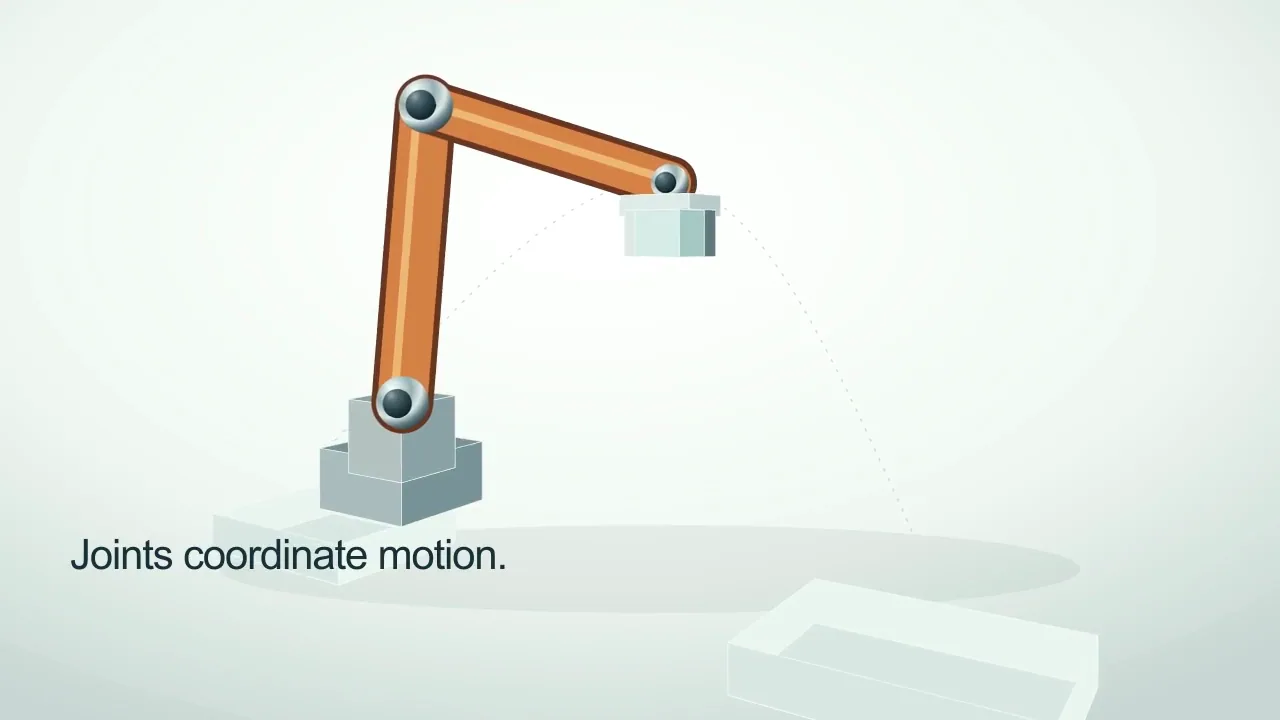
A manufacturing robotics education film following an original dimensional orange arm as its joints carry a component from pickup to a receiving fixture.
Martius studio · Authored showcase
Videos play silently when visible. Tap the film or press Space while it is focused to pause or resume. Sound starts only when you enable it.
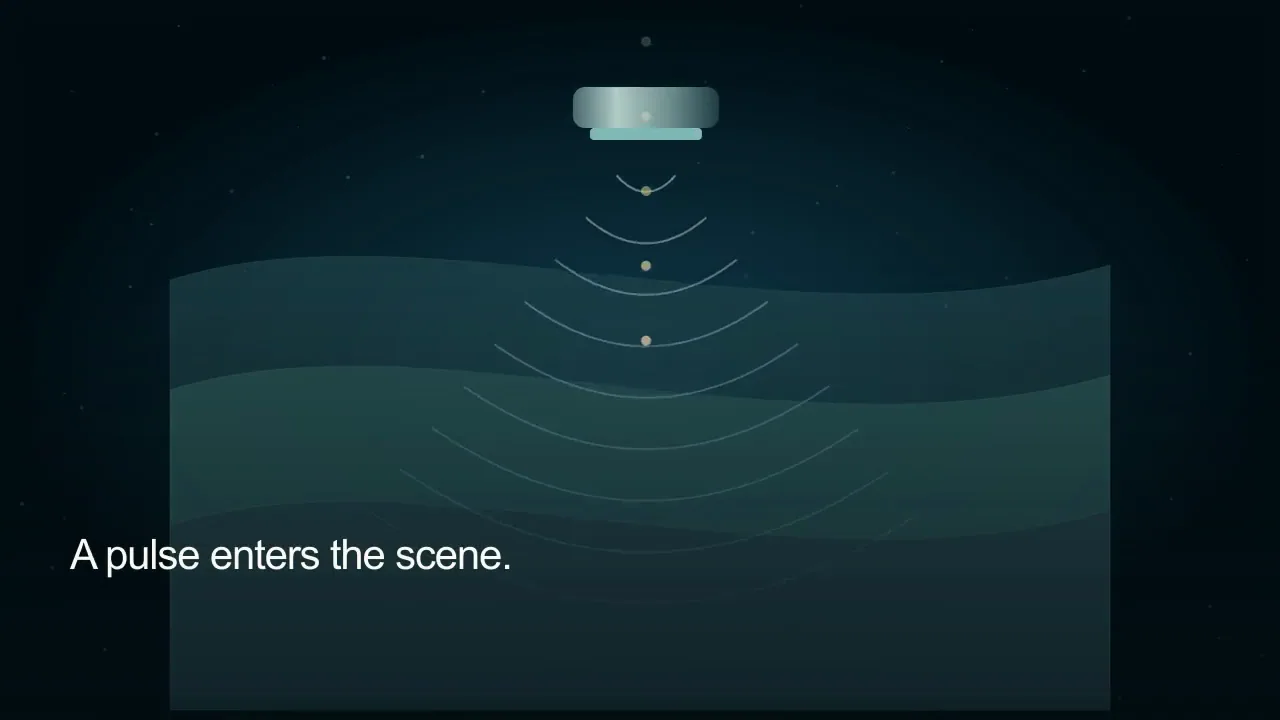
A medical ultrasound education film revealing outgoing sound-wave fronts, tissue boundaries and the returning echo.
Martius studio · Authored showcase
Prepare for publication
Deliver a lesson as a learning activity.
LMS course packages or an authorized learning record store
Export SCORM courses, deliver xAPI-enabled activities to an authorized LRS, or use cmi5 for an LMS-launched activity. Course packaging, event recording and launch rules are distinct from the video file itself.
A learning objective, reviewed lesson and learner-facing player
The supported SCORM version, xAPI/LRS activity or cmi5 profile for the target
Defined completion, resume and optional assessment behavior
Confirmed import, launch and learning records in the selected environment
Review the selected version, destination account, visibility and delivery settings before publishing.
Questions, answered
Creating education videos with Martius
Can Martius make educational videos from my source documents?
Yes. Add reviewed local source material and a learning objective, then create an editable lesson with explanation, examples, visual models, narration and an optional presenter. Review the meaning and delivery requirements before approving the lesson.
Can I create medical or scientific educational videos?
Yes. Use reviewed sources and identify whether each image is observation, illustration or simulation. Martius supports the production workflow; a qualified specialist remains responsible for accuracy and suitability. The authored website films are visual examples, not clinical guidance.
Can I deliver an educational video as SCORM?
Yes. Use the SCORM course-packaging workflow with the supported version for your target LMS. The package includes the lesson player, media, manifest and runtime behavior; an MP4 placed in a ZIP is not a SCORM course.
How are xAPI and cmi5 different from video export?
Video export produces playable media. xAPI sends defined learning events to an authorized LRS; cmi5 adds LMS launch and course rules for xAPI. Choose the supported profile and target environment, and verify the activity’s launch, completion and learning records.
Can I keep the same presenter when a lesson changes?
Yes. Reuse the selected presenter and voice, revise the approved script and regenerate the affected passages. Check pronunciation, lip sync, timing and captions alongside the updated educational visuals.
 Videos play silently when visible. Tap the film or press Space while it is focused to pause or resume. Sound starts only when you enable it.