Create product and process explainer videos with AI. Combine real materials, visual explanations and narration, then review facts and refine the scenes.
Product, service and marketing teams explaining a mechanism, process or difficult customer question.
Build the video from your actual material, direct the creative treatment and review the facts before you export or publish.
Start with the real thing
Bring the material that makes it yours.
Your product and business information are the source of truth. Creative treatment should help communicate them.
The question the viewer needs answered and their assumed knowledge
A reviewed source document, definitions and necessary exceptions
Real product footage, screens or diagrams with identified sources
A clear takeaway, brand direction and any pronunciation guidance
A useful working brief
Create, refine and deliver the video.
A connected Agent workflow, with the source material and review at each stage.
Give the Agent the question and sources
Start with reviewed product or process material, then describe the audience and takeaway. Martius turns the answer into a script and scene sequence while keeping the source behind factual statements available.
Make the relationships visible
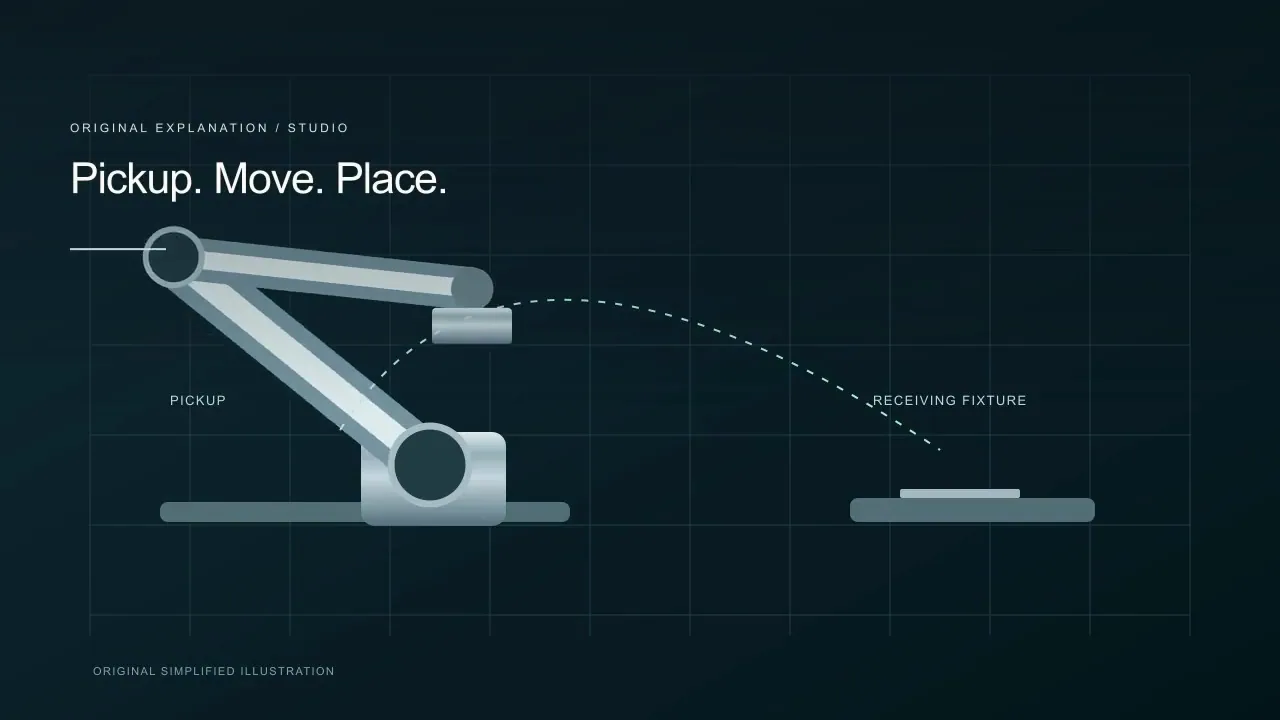
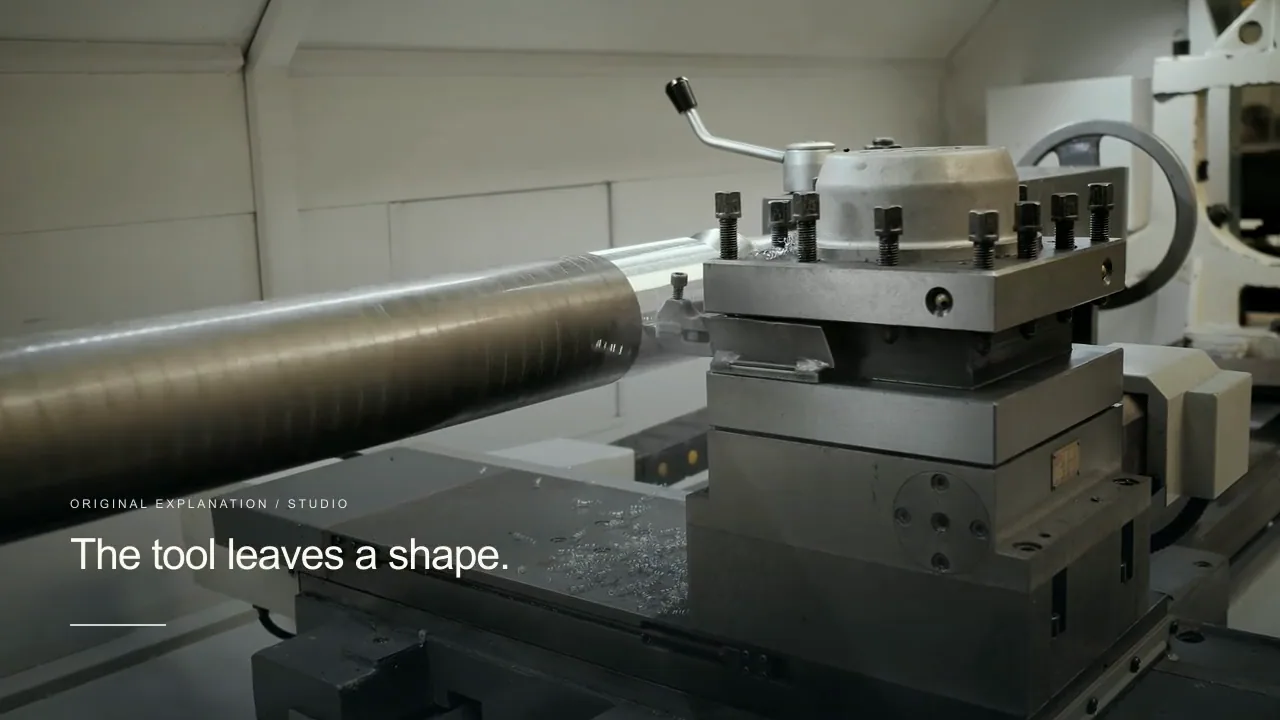
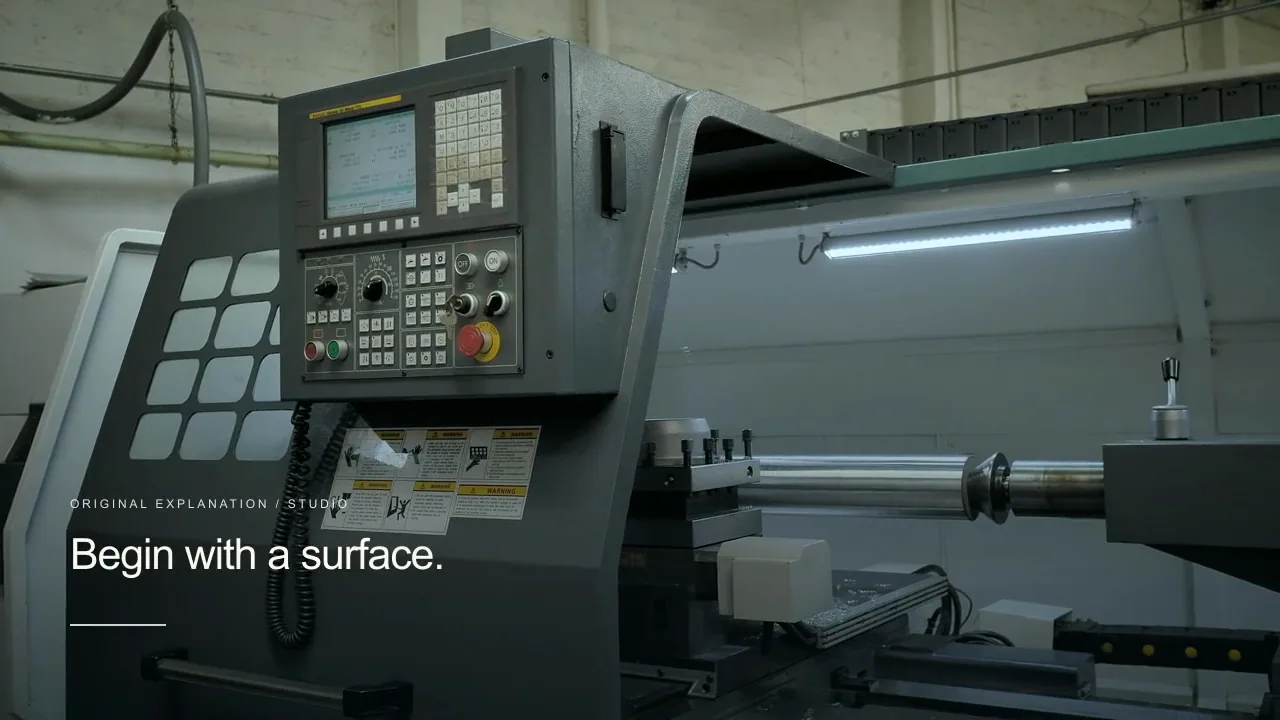
Combine actual product footage and screens with diagrams or creative scenes where they help explain an invisible relationship. Keep observation, illustration and simulation clearly distinguishable.
Direct narration and presentation
Adjust pacing, terms, labels and the level of detail. Add a presenter when a spoken guide helps, or leave the full frame to the process. Inspect how each scene supports the line being explained.
Update meaning across the project
Change a definition, process step or product feature and review the affected narration, captions and visuals. Compare with the approved parent and ask a subject specialist to check the revised explanation.
Deliver the explanation in context
Export the film with captions, transcript and cover, or approve a supported publishing destination such as a product or help-content handoff. Retain the sources and delivery version for the next update.
What to direct
Decide what should change.
Definitions, sequence and reviewed source facts
The choice between real footage, diagrams and illustrative scenes
Narration, presenter layout, annotations and pacing
Revision comparison and the explanation’s final destination
What to verify
Keep the boundaries visible.
Generated visuals and simplified models need subject-matter review. They are not experimental evidence or verification of a technical claim.
A product or process explainer is different from a buyer demo: the explanation’s mechanism is its main task.
Publishing a video and page material does not guarantee search indexing, rankings or AI citation.
Match the delivery settings to your destination. Review the exported film, caption files and publication details before approving a transfer.
Creative directions
A little inspiration for the brief.
Studio concepts with clear provenance.
Videos play silently when visible. Tap the film or press Space while it is focused to pause or resume. Sound starts only when you enable it.
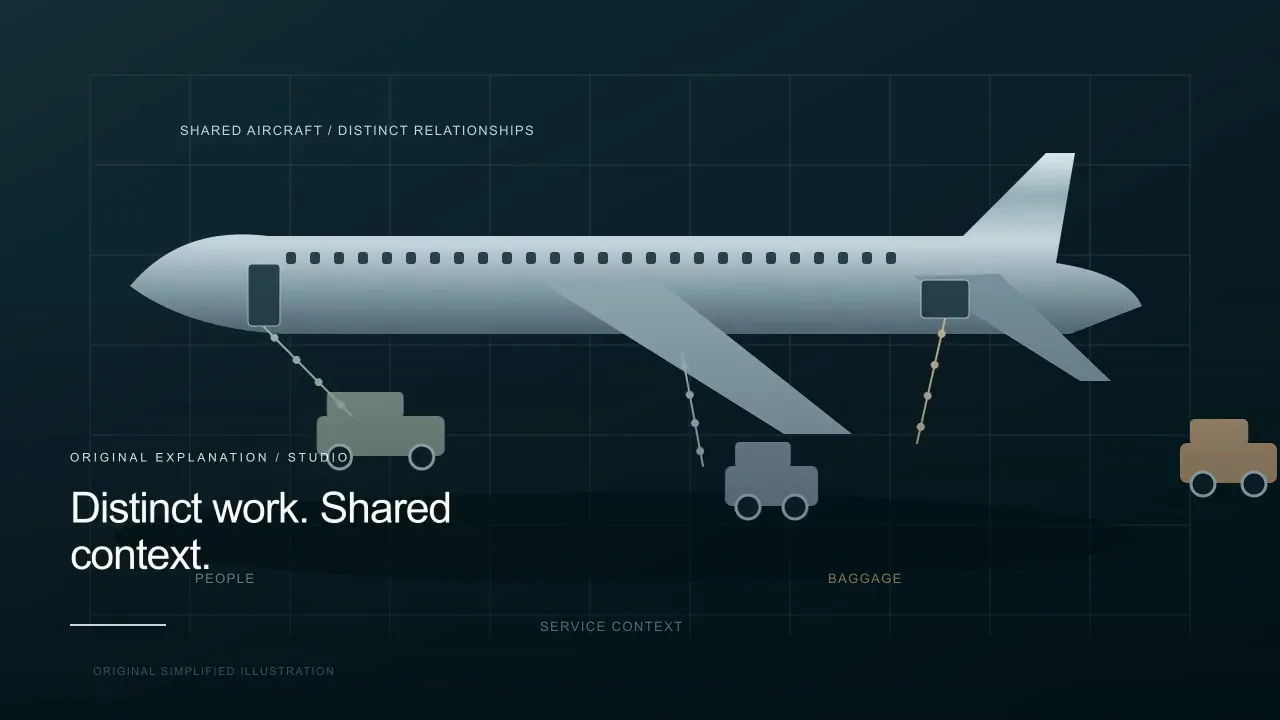
An aviation explainer uses a new side-view aircraft and moving ground-service relationships, a real apron scene, and a complementary original top-view diagram.
Martius studio · Authored showcase
Videos play silently when visible. Tap the film or press Space while it is focused to pause or resume. Sound starts only when you enable it.
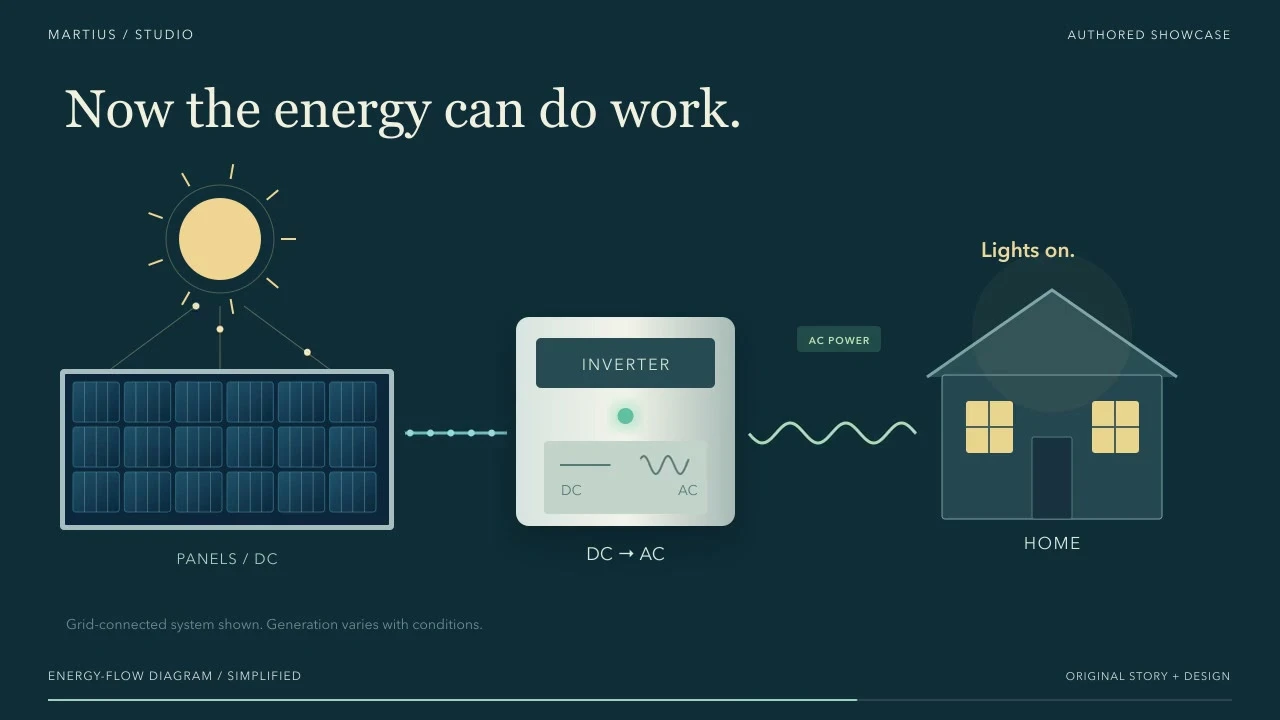
Real solar footage opens into a moving explanation of photovoltaic DC, an inverter, and the AC path to a home.
Martius studio · Authored showcase
Prepare for publication
Give the explanation a useful home.
Product pages, help-content handoffs and selected video hosts
Deliver the film and supporting page materials together. A searchable watch page still needs a crawlable host, visible context and matching metadata; publishing does not guarantee indexing or AI citation.
A clear question, reviewed sources and readable labels
Captions, a full transcript and a meaningful cover
Contextual page copy and a relevant next step
Version ownership and review of the processed destination result
Review the selected version, destination account, visibility and delivery settings before publishing.
Questions, answered
Creating explainers videos with Martius
How does the AI explainer video workflow work?
Add reviewed source material, describe the audience’s question and choose a takeaway. Martius creates an editable script and visual sequence using real materials, diagrams, creative scenes and narration. Direct changes, verify the meaning and export or publish the approved version.
Can I explain an industrial or technical process?
Yes. Use approved technical documents, real process footage and identified diagrams. Keep units, labels, sequence and simplifications explicit, and have a qualified subject specialist approve the final explanation.
Do I need real footage for every scene?
No. A visual model can explain a relationship that a camera cannot show. Keep that model identifiable as an illustration or simulation, and use real footage wherever the actual product behavior matters.
Can I revise an explainer without losing the approved structure?
Yes. Identify the changed fact or section and the approved content to keep. Martius creates a revision with an impact summary and parent comparison so you can check the new explanation and any timing changes.
Who should approve a technical explainer?
A subject specialist should verify the meaning, and someone close to the audience should check comprehension. Martius supports source-linked review, but a generated answer or completed render is not professional approval.
 Videos play silently when visible. Tap the film or press Space while it is focused to pause or resume. Sound starts only when you enable it.