Create marketing videos for product launches, campaigns and services. Reuse brand context, refine the story and deliver reviewed channel and language versions.
Product marketing, brand and campaign teams creating launches, announcements and service stories.
Build the video from your actual material, direct the creative treatment and review the facts before you export or publish.
Start with the real thing
Bring the material that makes it yours.
Your product and business information are the source of truth. Creative treatment should help communicate them.
A launch or campaign brief: audience, new information and intended next step
Approved product imagery, source footage or current interface recordings
Current feature descriptions, availability and campaign wording
Logos, visual references, approved terminology and voice preferences
A useful working brief
Create, refine and deliver the video.
A connected Agent workflow, with the source material and review at each stage.
Bring the launch into the project
Select approved brand context and add the new product or campaign materials locally. State what has changed and who needs to understand it; Martius turns that brief into a story and scene sequence.
Create the first film
Build an opening, product reveal and clear next step with real materials, creative scenes, narration and music. Capture a supported software workflow when the actual interface is part of the launch.
Shape the story in conversation
Ask for a quieter opening, an earlier product reveal or a presenter-led explanation. Inspect the editable scenes and keep product names, availability and approved claims tied to their source.
Create channel and language versions
Build reviewed variants from the parent project with the relevant aspect ratio, message, call to action and supported language. Reuse the approved presenter and brand material while checking each version’s pronunciation and layout.
Deliver the launch and keep its history
Export the film and its accompanying material or authorize a connected publishing destination. Keep the approved version and publication record in the project so the next announcement can build on current work.
What to direct
Decide what should change.
The campaign message, product names and availability wording
The opening, product reveal, presenter role and sound
Brand context, channel versions and supported language variants
Review decisions, delivered files and each publication destination
What to verify
Keep the boundaries visible.
A language version needs review of names, technical terminology and the relationship between narration and visuals. Project localization does not imply automatic translation of every screen or source video.
Customer statements, logos and outcome claims need their own evidence and permission.
Connected destinations expose different visibility, timing and replacement actions; the project records the operation available for the selected destination.
Match the delivery settings to your destination. Review the exported film, caption files and publication details before approving a transfer.
Creative directions
A little inspiration for the brief.
Studio concepts with clear provenance.
Videos play silently when visible. Tap the film or press Space while it is focused to pause or resume. Sound starts only when you enable it.
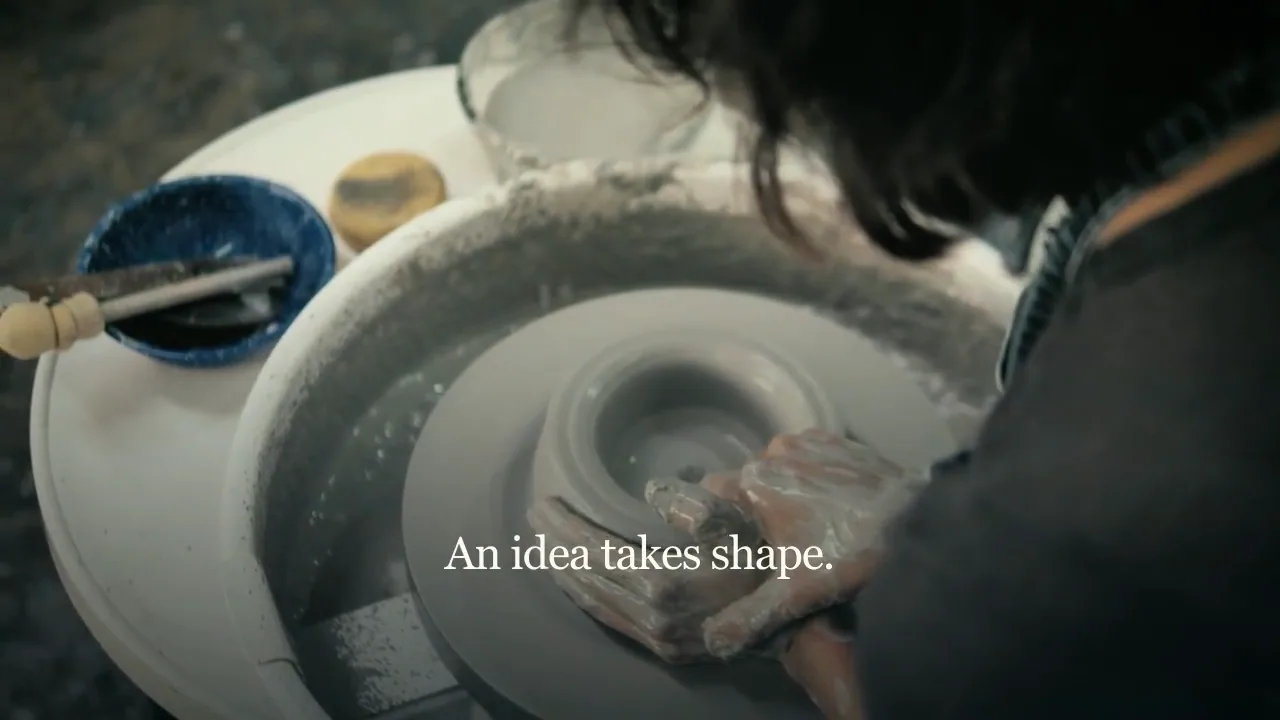
A ceramics-making film follows clay kneading, a working pottery wheel and the shape taking form in the maker’s hands.
Martius studio · Authored showcase
Prepare for publication
One launch, delivered to the places it belongs.
Connected channels, launch pages and campaign libraries
Keep the launch film, channel versions and publication records connected. Use the scheduling or direct-posting actions supported by the selected destination; a local scheduled task and a native platform schedule have different execution requirements.
Title, description, cover, captions and a clear next step
Selected account, visibility, timing and timezone
Confirmed destination status and the project version used
Review the selected version, destination account, visibility and delivery settings before publishing.
Questions, answered
Creating marketing videos with Martius
What marketing videos can I make with Martius?
Create product launches, campaign films, service stories and channel versions from your own materials. Martius combines an editable story with real product assets, creative scenes, optional presenters, sound, review and delivery in one local project.
How is a launch video different from a product ad?
A launch video explains a meaningful change and gives it a story. An ad usually concentrates on one immediate benefit or offer. Martius uses a separate brief for each task while reusing relevant approved product and brand context.
Can I reuse my brand for the next campaign?
Yes. Keep approved facts, logos, preferred wording, pronunciation and reviewed creative decisions in local brand context. Select the scope for the next project and replace outdated offers or availability information before reuse.
Can Martius create localized campaign versions?
Yes. Create project language variants with the supported voices and language profiles, then review the translated script, product terminology, captions, presenter passages and timing. Existing source screens retain their actual wording unless you supply a localized recording or edit the relevant visual.
Can I publish marketing videos directly?
Yes, through the destinations and actions supported by your connected account. Review the exact film, cover, captions, accompanying text, visibility and timing before approval; the project records the destination’s confirmed state.
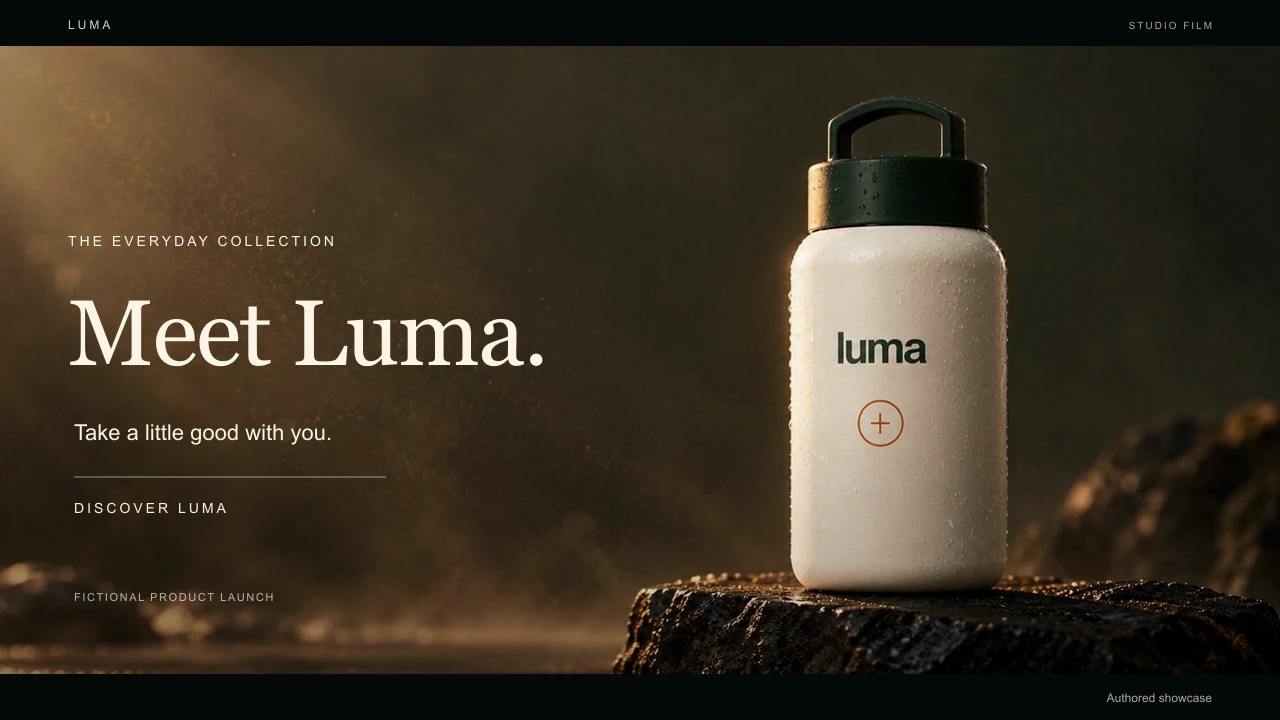
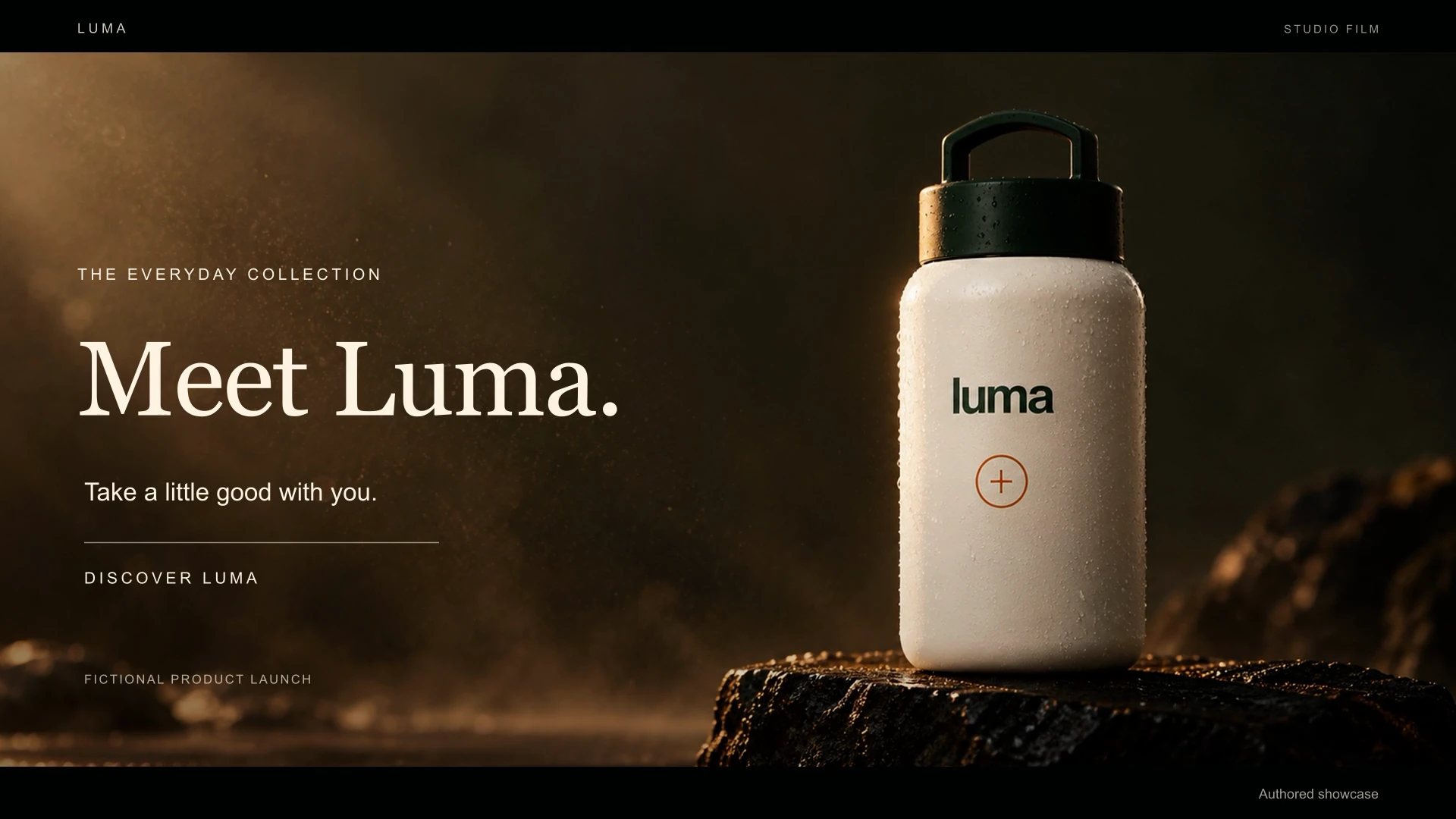 Videos play silently when visible. Tap the film or press Space while it is focused to pause or resume. Sound starts only when you enable it.