Show what the actual product does
For a software demo, the button labels, sequence and result are part of the evidence. Martius performs and records an approved task in a supported environment, then brings the resulting footage into the local video project.
Choose a known starting state, allowed actions and an observable result. You can also add an existing recording. The project keeps the source of the footage clear so a captured interface remains distinguishable from an illustrative screen.
Prepare the recording environment
Use an appropriate test account and data cleared for the intended audience. Exclude unrelated notifications, credentials and confidential customer information. Define any action that requires a separate human decision before it occurs.
The capture task is limited to the supported software and operation scope. Permission to record a workflow does not authorize unrelated transactions, account changes or actions outside that task.
- Starting screen and approved test environment
- Allowed actions and expected visible result
- Capture scope, sensitive information and stop conditions
- Product reviewer for the resulting footage
Turn the recording into a useful demonstration
Use the recorded interaction in an editable scene sequence with narration, labels, sound and an optional presenter. Keep important interface details visible and give the result enough time to be understood.
When the product changes, capture or provide the new interaction and revise the affected explanation. Compare the new demo with its approved parent rather than presenting a simulated interface as a current recording.
Keep recordings and project sources local
Original screen recordings, documents, footage, portraits, source audio and editable projects remain on your device. Finished videos also stay local by default. An explicitly approved publication sends only the selected delivery copies and required metadata.
Local file storage and model execution are different boundaries. A workflow can use model services and derived requests without uploading the original file into a cloud workspace; consult the data scope for the selected workflow.
Use real source footage for physical products
Desktop capture records software interactions. For equipment, consumer products and on-site services, begin with approved photographs or real footage supplied by your team. The Agent can organize those materials but does not perform a physical shoot.
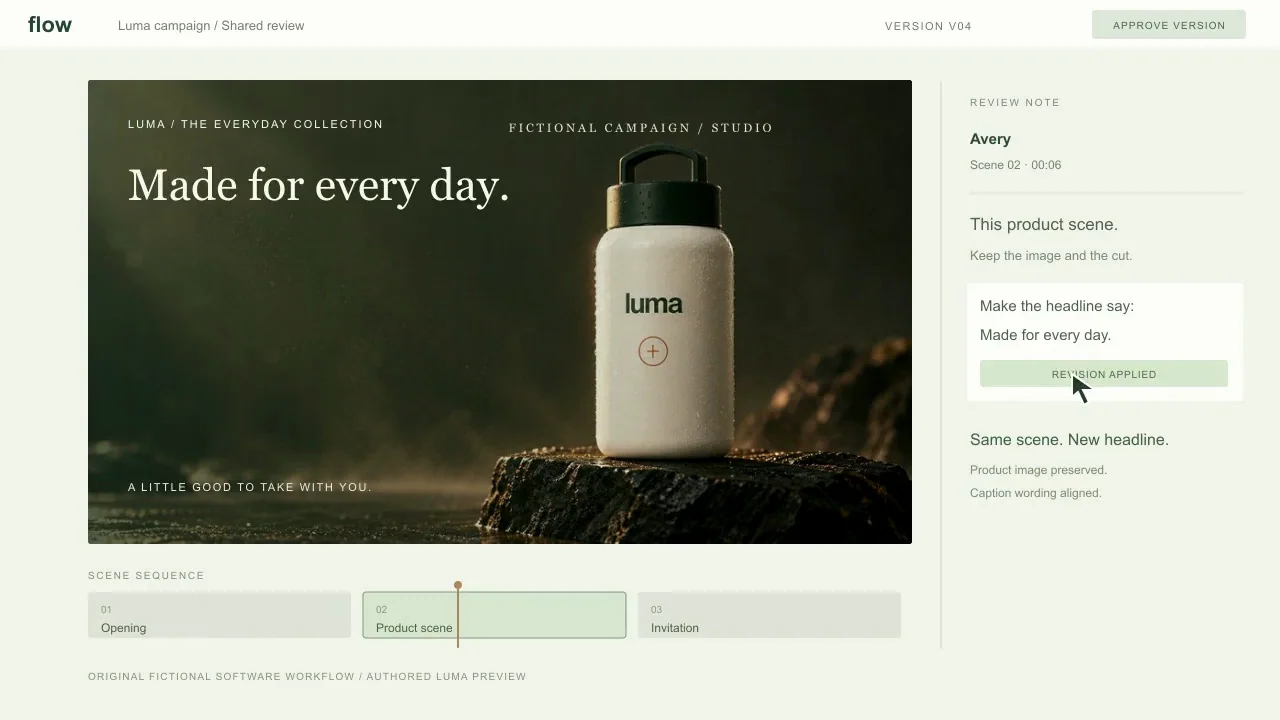
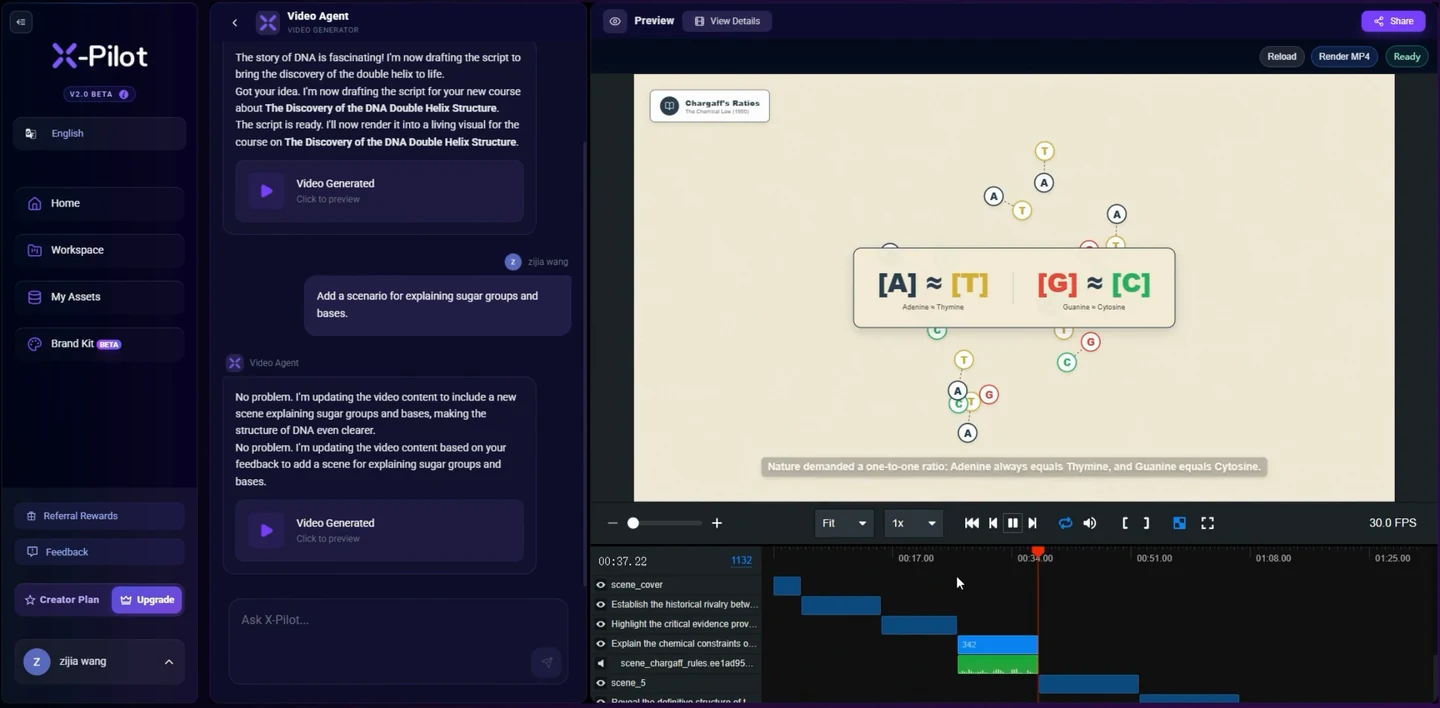
The main video on this page is an actual X-Pilot software recording from our earlier web application. It shows a request, response and visible project result. The separate Flow studio film illustrates software-story structure with a fictional interface; each source has its own label.