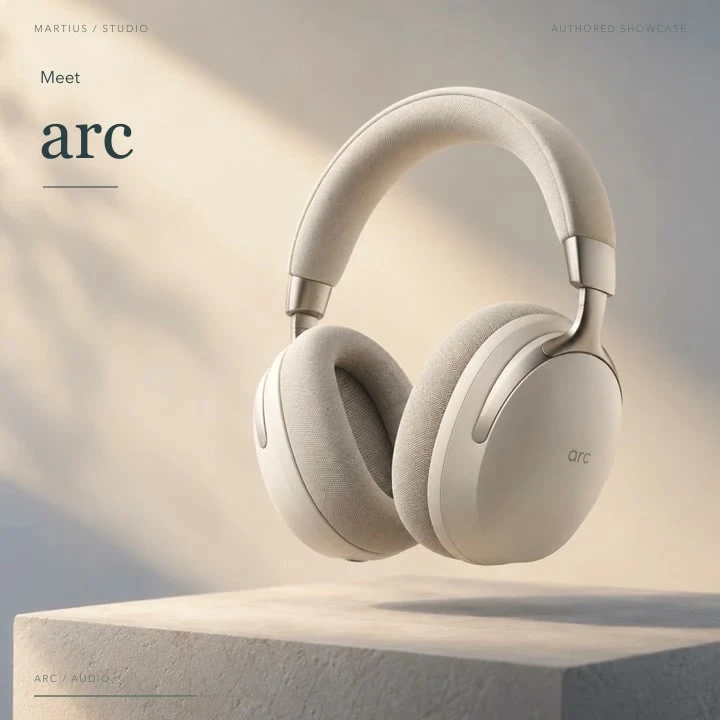
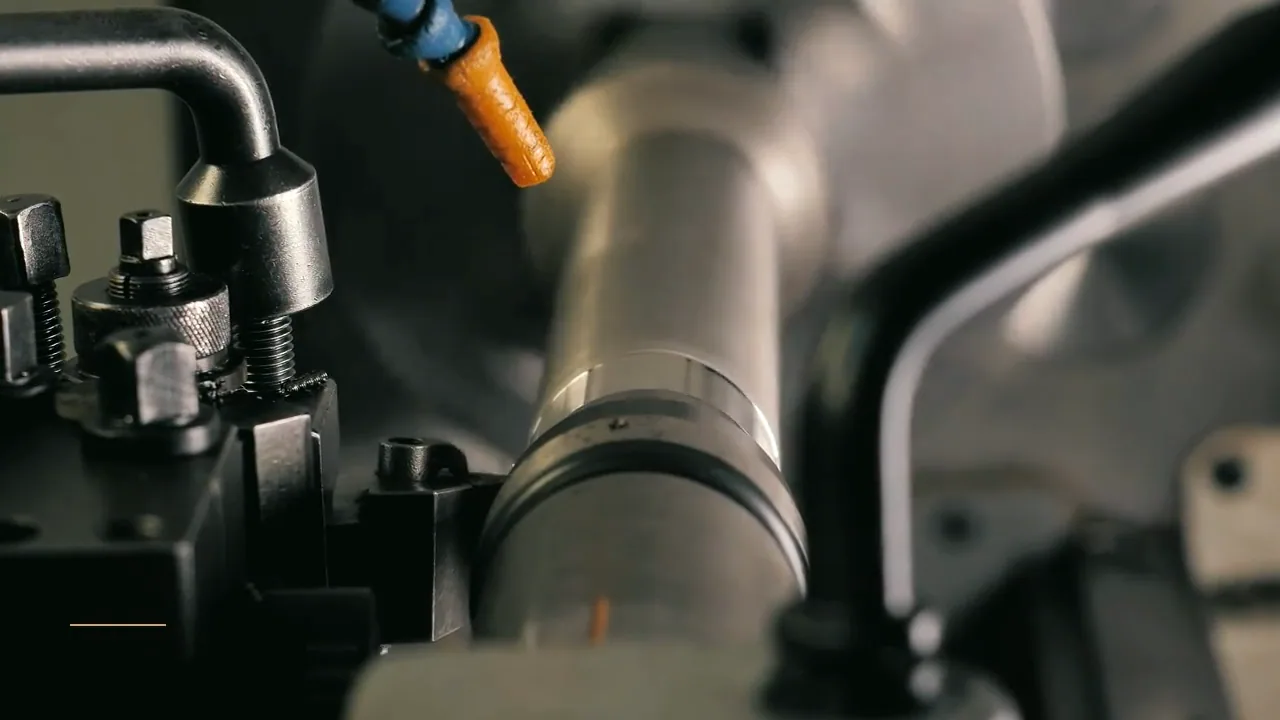
Create AI video ads from real product materials. Shape the creative, review product facts, revise offers and prepare approved versions for advertising destinations.
Brand, retail and growth teams making product ads for campaigns, placements and changing offers.
Build the video from your actual material, direct the creative treatment and review the facts before you export or publish.
Start with the real thing
Bring the material that makes it yours.
Your product and business information are the source of truth. Creative treatment should help communicate them.
Your product photos, footage and brand files, kept in the local project
Approved product names, specifications and the benefit to communicate
Price, eligibility, campaign dates, destination URL and call to action
Audience, placement and creative references for the first version
A useful working brief
Create, refine and deliver the video.
A connected Agent workflow, with the source material and review at each stage.
Start with the product and the placement
Add local materials and approved offer information, then tell Martius who the ad is for and where it will appear. The Agent builds a script and shot sequence around one reason to care.
Direct the creative, keep facts editable
Choose the opening, setting, pacing and sound. Real product assets and approved names, prices and specifications remain identifiable in the project while creative scenes give the ad its character.
Review an editable first cut
Watch the complete ad, inspect its text and narration, and ask for a specific change. Add an avatar introduction when a presenter helps the message; keep the product and the offer easy to see.
Revise the offer or make a channel version
Replace a price, deadline or selling point and inspect the affected scenes, voice passages and captions. Compare the new version with the approved parent, then review framing and readable text for each placement.
Export and publish the approved ad
Deliver the video, captions, cover and version record locally, or approve delivery to a connected destination. Asset upload, an ad draft and campaign activation are distinct actions; creative approval does not authorize spending.
What to direct
Decide what should change.
The source product assets and approved facts used in the ad
Opening, scene direction, music, narration and optional presenter
Offer changes, channel variants and comparison with the approved version
The exact exported files, destination account and publishing action
What to verify
Keep the boundaries visible.
Product appearance, claims, usage rights and offer conditions need review by your team. A generated scene is not evidence of a product benefit.
Placement rules and connected-platform actions differ. Choose a supported destination profile and inspect the processed result.
The studio examples are authored creative references. They are not customer campaigns or measurements of advertising performance.
Match the delivery settings to your destination. Review the exported film, caption files and publication details before approving a transfer.
Creative directions
A little inspiration for the brief.
Studio concepts with clear provenance.
Videos play silently when visible. Tap the film or press Space while it is focused to pause or resume. Sound starts only when you enable it.
A portrait skincare brand film moves from real water ripples into a tactile serum reveal, a separate dropper detail, and a restrained closing invitation.
Martius studio · Authored showcase
Videos play silently when visible. Tap the film or press Space while it is focused to pause or resume. Sound starts only when you enable it.
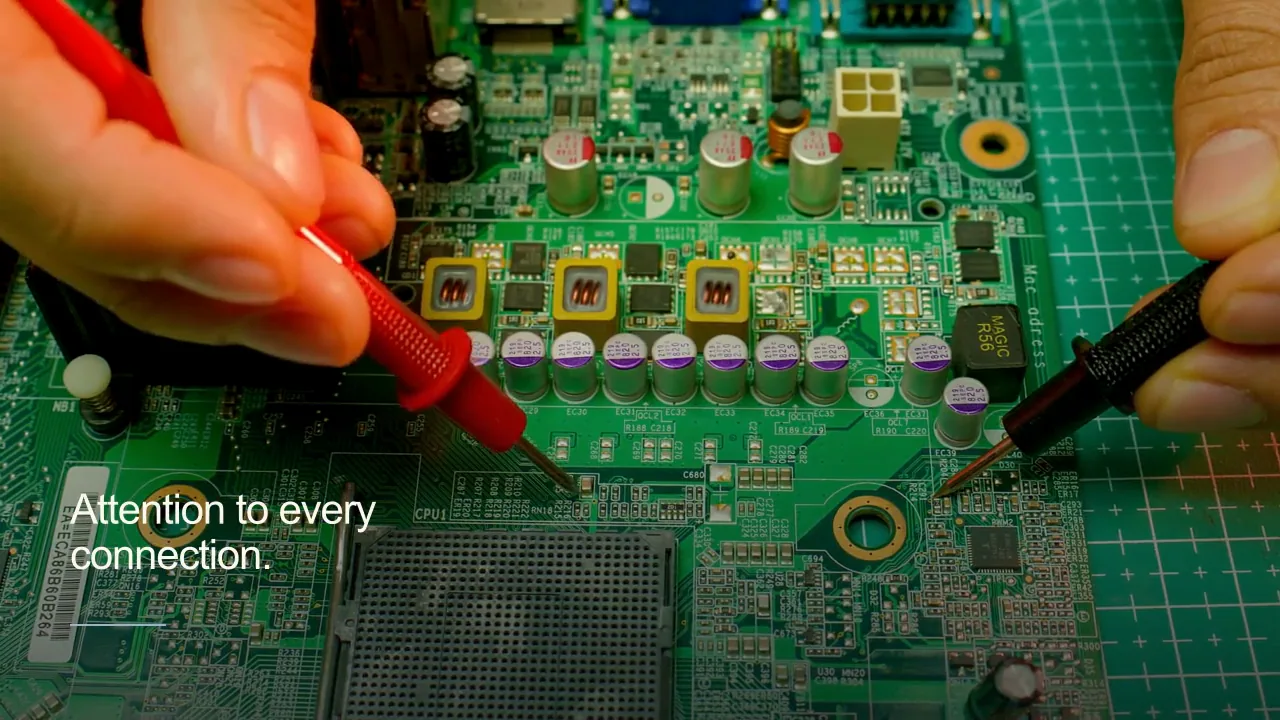
A hardware campaign moves from circuit architecture to electrical test probes in human hands and an intricate component reveal.
Martius studio · Authored showcase
Prepare for publication
An approved creative, ready for its placement.
Ad asset libraries and reviewed campaign drafts
The delivery record identifies the approved variant and its destination asset or draft. Uploading a video does not authorize campaign activation, targeting changes or spending.
Placement-specific framing, duration, safe areas and caption treatment
Approved offer, eligibility, destination URL and tracking parameters
Selected account, market, usage rights and required disclosures
Separate asset delivery, ad-draft approval and campaign activation
Review the selected version, destination account, visibility and delivery settings before publishing.
Questions, answered
Creating ads videos with Martius
How does Martius create an AI video ad from my product materials?
Add your local product photos or footage, approved facts and offer, then describe the audience and placement. Martius creates an editable script, scenes and first cut; you direct revisions, review the actual result and choose local export or an approved publishing action.
Can I change the price without rebuilding the whole ad?
Yes. Give Martius the approved replacement and its scope. The update workflow identifies related text, narration, captions and scenes, creates a new version and lets you compare it with the approved parent. Review any timing or layout affected by the new wording.
Can I create different formats for ad placements?
Yes. Create landscape, portrait or square channel versions within the supported export profiles. Each version is reframed and reviewed for the product, offer, caption safe areas and call to action rather than being treated as a mechanical crop.
Can an AI avatar present my product ad?
Yes. Use an authorized presenter and selected voice for an introduction, explanation or closing. Position the presenter beside real product material and review pronunciation, lip sync and the finished message.
Does publishing the video activate a paid campaign?
No. Local export, asset delivery, ad-draft creation and campaign activation are separate actions. Any supported action that starts delivery or changes spending requires its own explicit approval.
Does Martius guarantee better ad performance?
No. Martius helps create, revise and deliver advertising creative. Conversion and return on ad spend depend on the audience, placement, offer, measurement and campaign; they are not guaranteed by generating a video.
 Videos play silently when visible. Tap the film or press Space while it is focused to pause or resume. Sound starts only when you enable it.