Create training videos from workplace materials and reviewed procedures. Revise the content and deliver video, SCORM packages or xAPI and cmi5 learning activities.
Operations, laboratory, manufacturing and enablement teams producing approved process and equipment training.
Build the video from your actual material, direct the creative treatment and review the facts before you export or publish.
Start with the real thing
Bring the material that makes it yours.
Your product and business information are the source of truth. Creative treatment should help communicate them.
The current procedure, version and accountable procedure owner
Approved recordings or a supported software demonstration task
Prerequisites, exceptions, stop conditions and visible checkpoints
Training objectives, completion criteria and the target delivery system
A useful working brief
Create, refine and deliver the video.
A connected Agent workflow, with the source material and review at each stage.
Add the approved procedure
Give Martius the current instructions, intended learners and prerequisites. Identify stop conditions and checkpoints before the Agent creates a script and step-by-step visual sequence.
Show actions in the real environment
Use approved equipment footage or capture a supported software task. Organize one action and its visible result at a time, with narration, labels and an optional presenter that leaves the important details readable.
Review the complete procedure
Have the procedure owner check sequence, exceptions, terminology and demonstration accuracy. Inspect captions, sound and the final exported file; a completed render does not grant approval to perform a task.
Update the affected steps
Supply a procedure change and its source version. Martius identifies affected scenes, narration and captions, creates a revision and provides comparison with the approved parent while retaining the project history.
Deliver and record the training version
Export locally or deliver through the selected supported training destination. SCORM, xAPI/LRS and cmi5 paths retain their own completion and launch rules; publication records identify which procedure version learners receive.
What to direct
Decide what should change.
Exact actions, order, prerequisites and stop conditions
Actual source recordings, presenter layout and visible checkpoints
Procedure revision, affected passages and reviewer decisions
Delivery version, learning-system profile and publication action
What to verify
Keep the boundaries visible.
A training video does not replace policy, supervised practice, professional qualification or approval to perform a procedure.
The studio training films are authored orientation references, not approved operating procedures for actual equipment.
Updates begin with a change supplied by your team; retaining project history does not imply autonomous monitoring of external procedures.
Match the delivery settings to your destination. Review the exported film, caption files and publication details before approving a transfer.
Creative directions
A little inspiration for the brief.
Studio concepts with clear provenance.
Videos play silently when visible. Tap the film or press Space while it is focused to pause or resume. Sound starts only when you enable it.
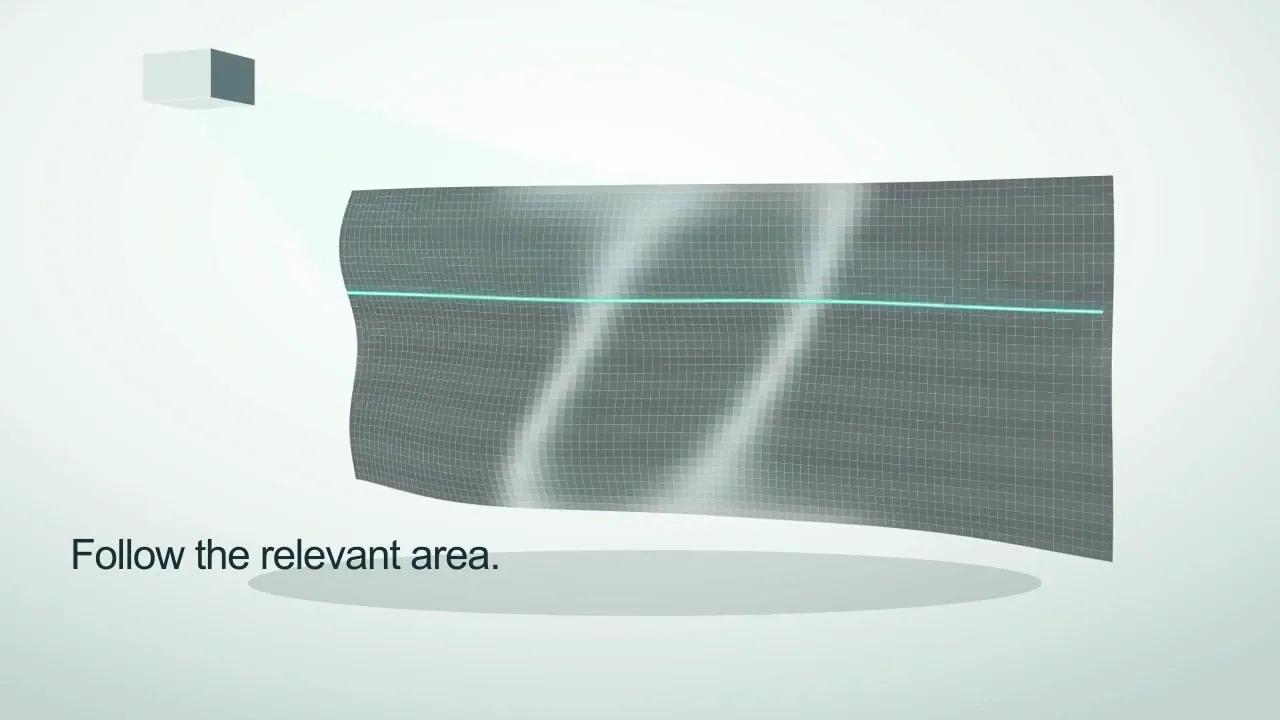
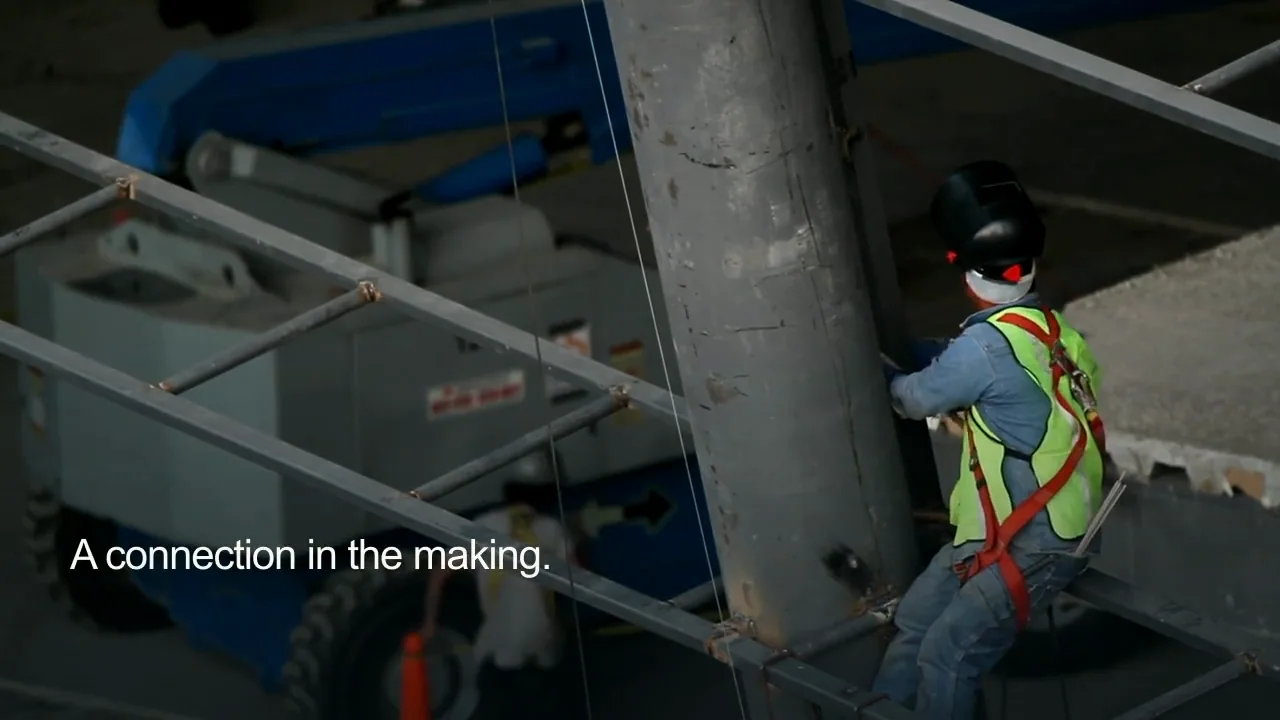
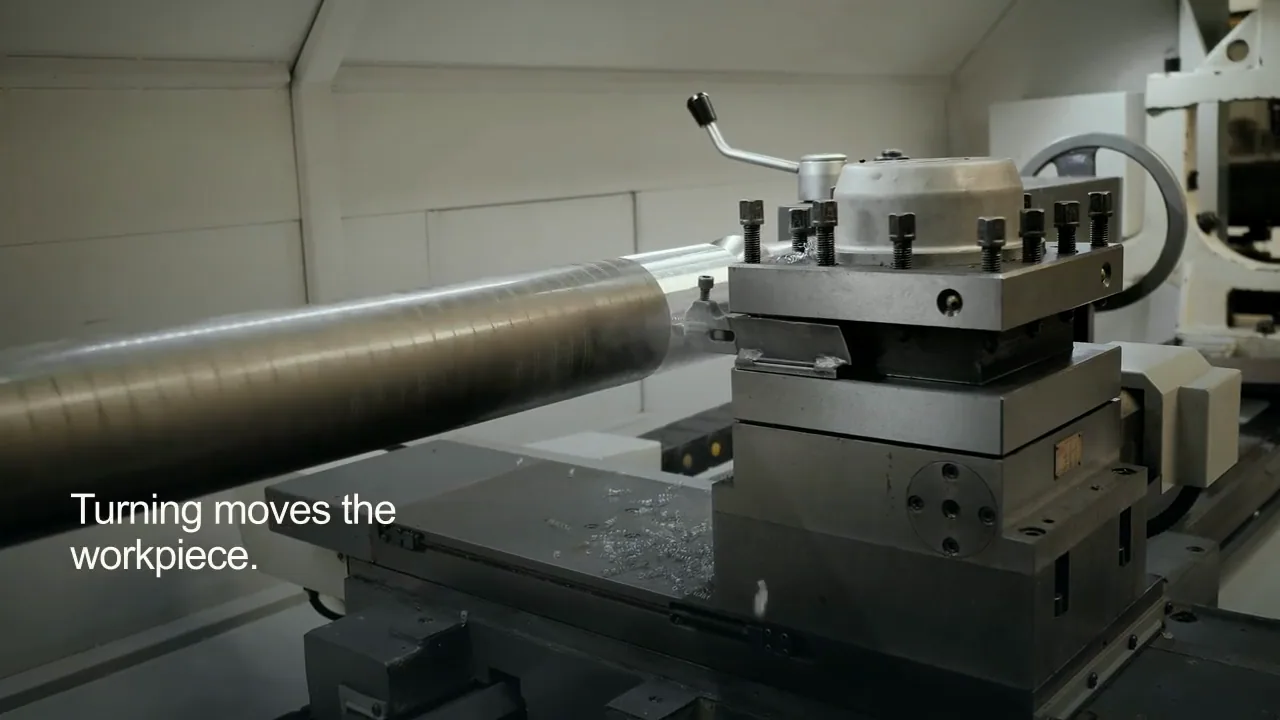
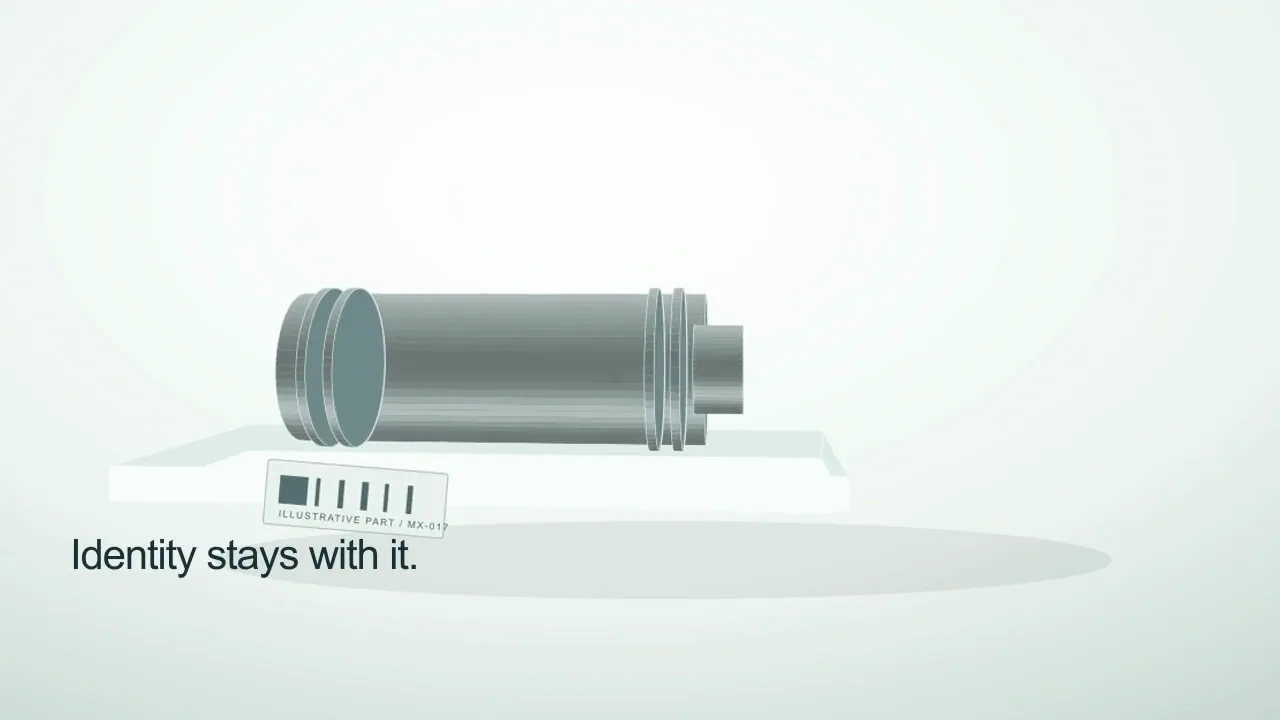
An industrial quality-inspection training film moving from metalworking context into an original reflective curved surface and traveling inspection-inspired light.
Martius studio · Authored showcase
Videos play silently when visible. Tap the film or press Space while it is focused to pause or resume. Sound starts only when you enable it.
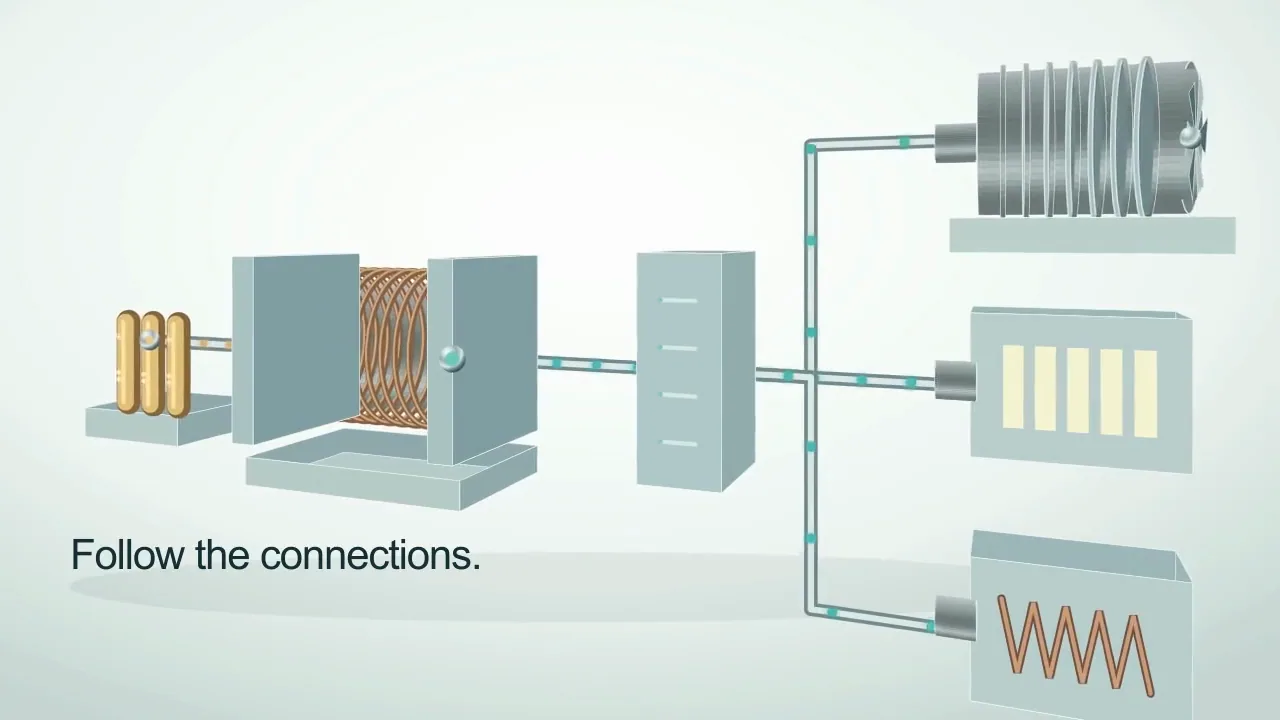
An industrial energy-systems training opener following original dimensional input, conversion, distribution and end-use structures through connected flowing motion.
Martius studio · Authored showcase
Videos play silently when visible. Tap the film or press Space while it is focused to pause or resume. Sound starts only when you enable it.
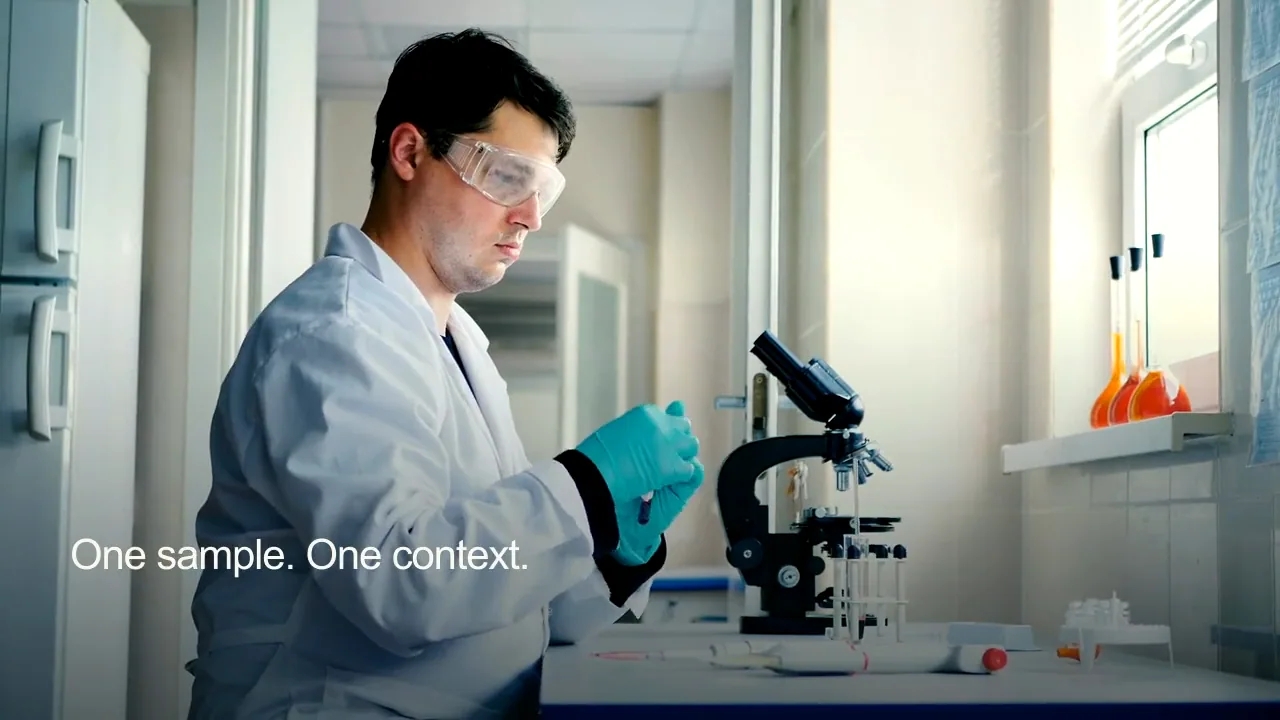
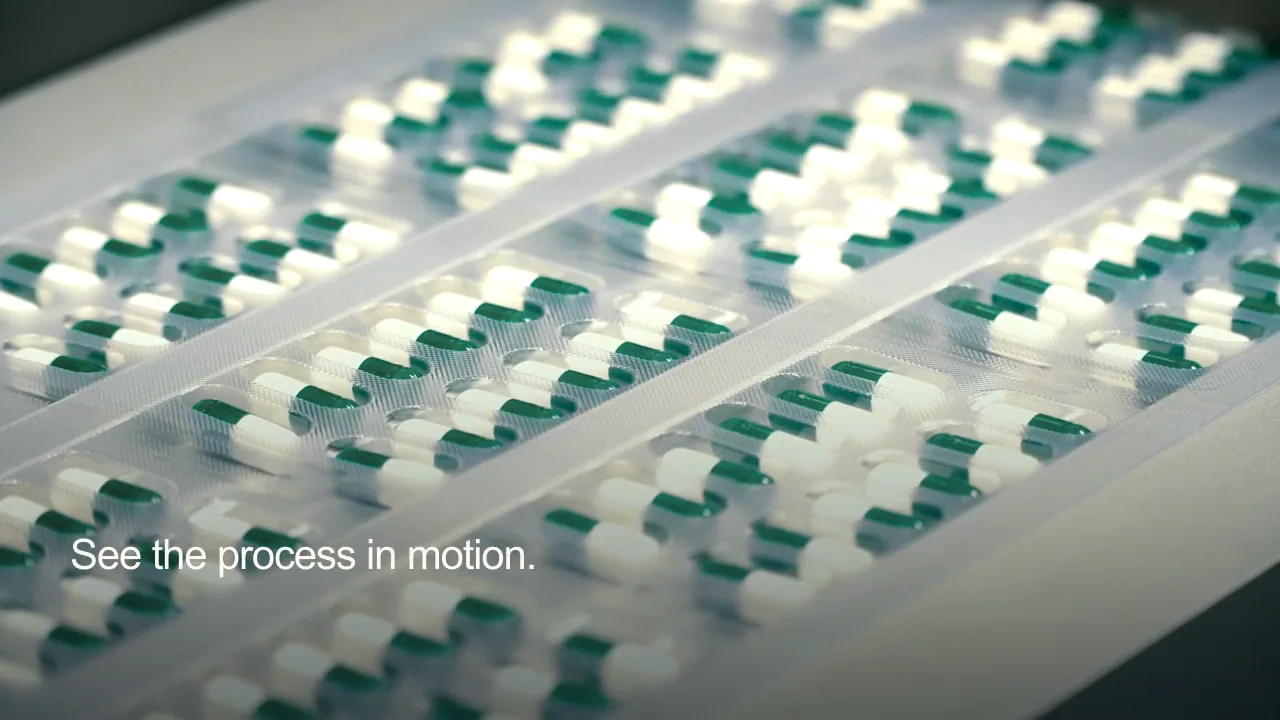
A microscopy laboratory training opener moving from real specimen preparation into an original blue depth field whose sharp and soft structures change through focus-inspired motion.
Martius studio · Authored showcase
Videos play silently when visible. Tap the film or press Space while it is focused to pause or resume. Sound starts only when you enable it.
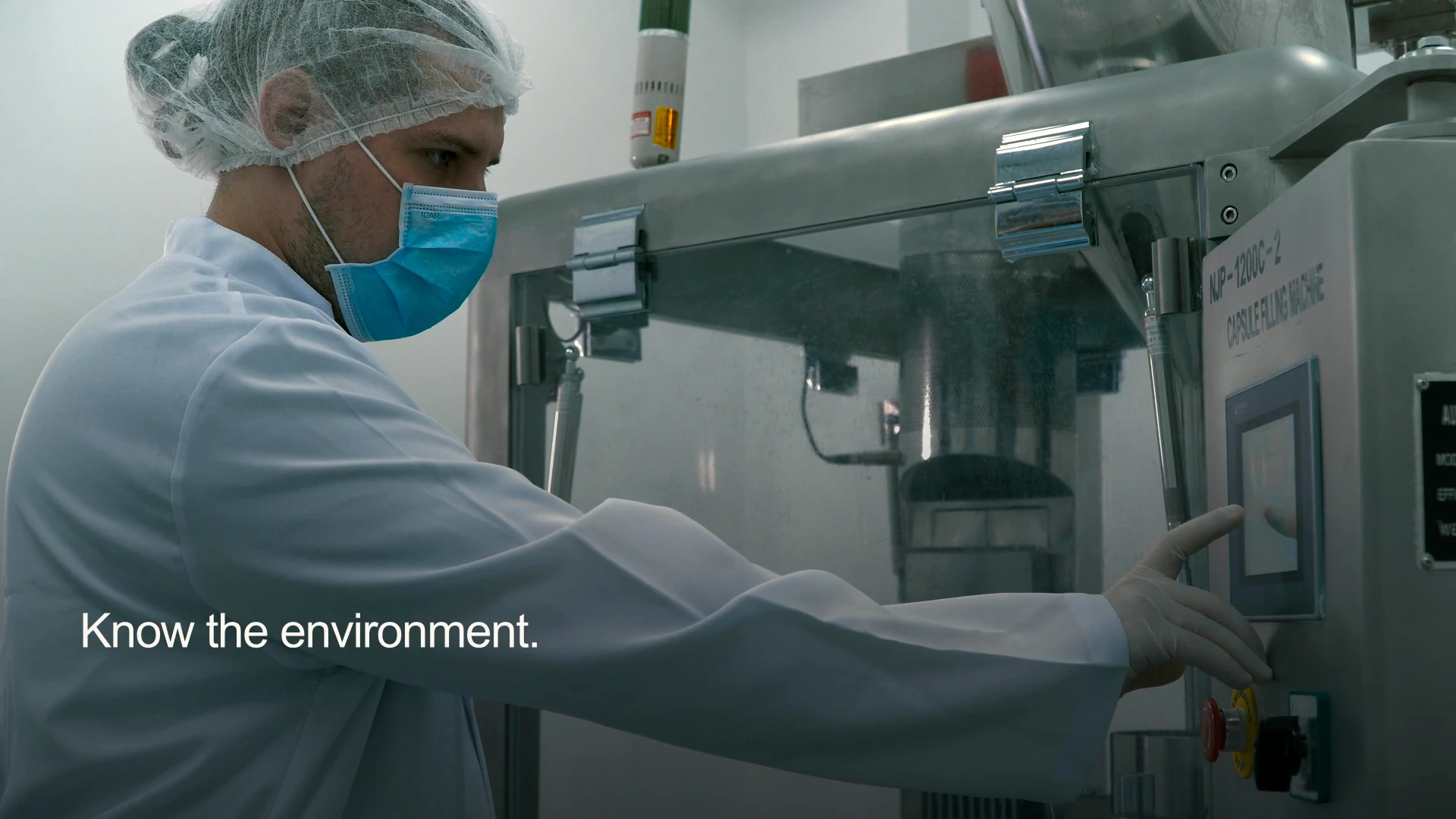
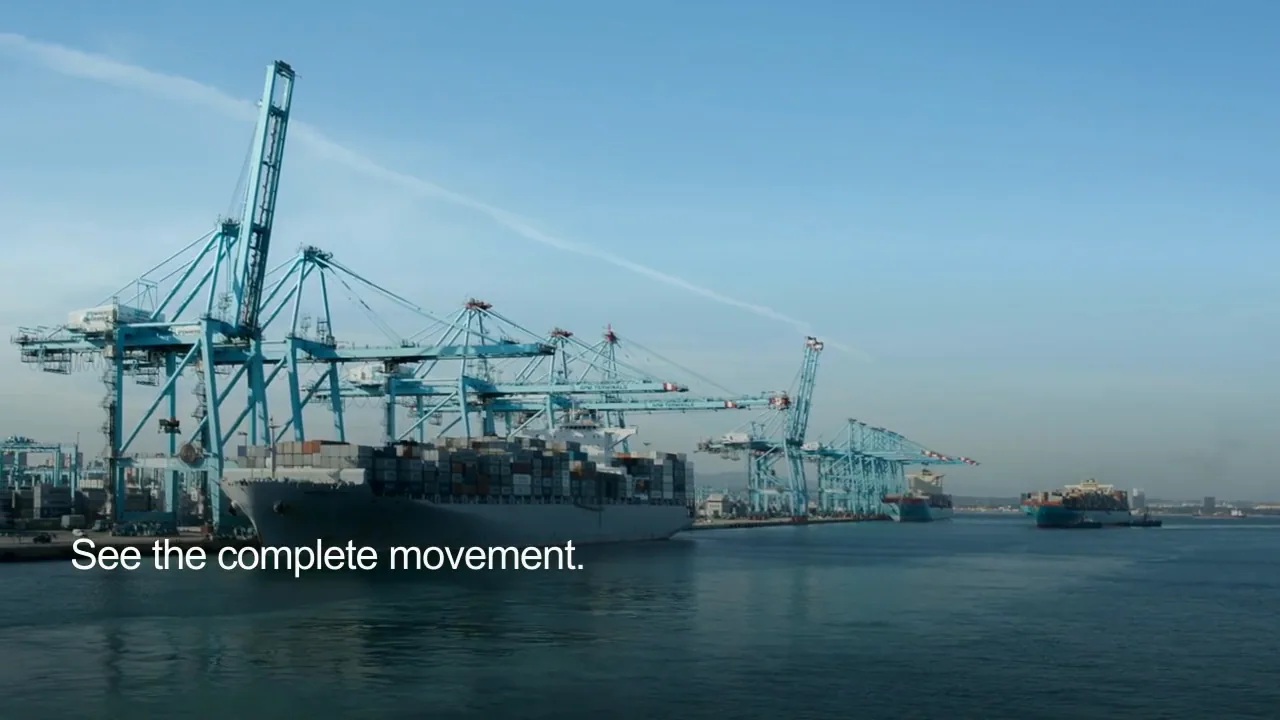
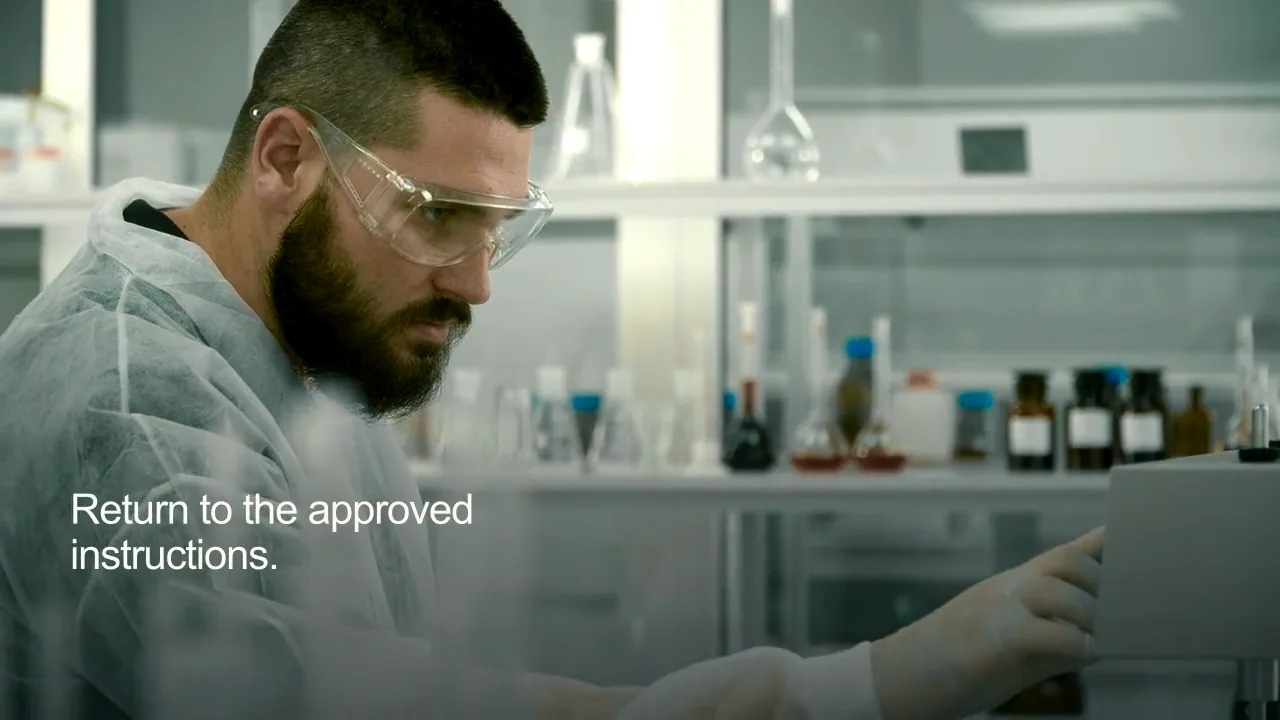
A medical-device team training orientation combining schematic imaging motion and a physical laboratory setting.
Martius studio · Authored showcase
Prepare for publication
Deliver the current procedure with its version record.
Training portals, LMS courses and approved internal delivery
Publish the approved procedure version and identify earlier delivered copies when it changes. Watching a video or completing an activity does not establish competence, certification or permission to perform a procedure.
Procedure owner, version, prerequisites and visible checkpoints
The selected supported SCORM, xAPI/LRS or cmi5 delivery profile
Completion and assessment rules approved for the task
A reviewed replacement plan and attributable learner records
Review the selected version, destination account, visibility and delivery settings before publishing.
Questions, answered
Creating training videos with Martius
How can I create an AI training video from a procedure?
Add the approved procedure, learner context and source recordings, then let Martius create an editable script and visual sequence. Direct the explanation, review it with the procedure owner, and export or deliver the approved training version.
Can Martius make industrial and laboratory training videos?
Yes. Use approved source procedures and footage for the equipment or laboratory workflow. Define prerequisites, exceptions and stop conditions, and have the responsible specialist review the actual finished sequence.
Can I revise only the steps that changed?
Yes. Identify the source change and the approved content to retain. Martius creates an impact summary and new revision across related scenes, narration and captions, with comparison to the parent version for review.
Can I publish training to an LMS?
Yes. Select a supported SCORM, xAPI/LRS or cmi5 delivery profile for the target environment. Configure the actual completion and resume behavior, confirm import and launch, and keep the delivered procedure version in the project’s publication record.
Does watching a training video establish competence?
No. A viewing or completion record is evidence of the defined activity, not proof of skill or certification. Practice, assessment and authorization need criteria appropriate to the task and the responsible organization.
 Videos play silently when visible. Tap the film or press Space while it is focused to pause or resume. Sound starts only when you enable it.