Start with the question the demo answers
A software demo is easier to follow when it answers one audience question. Choose a real workflow with a clear starting state and a visible outcome. The script should help the viewer understand the connection between the actions and that outcome.
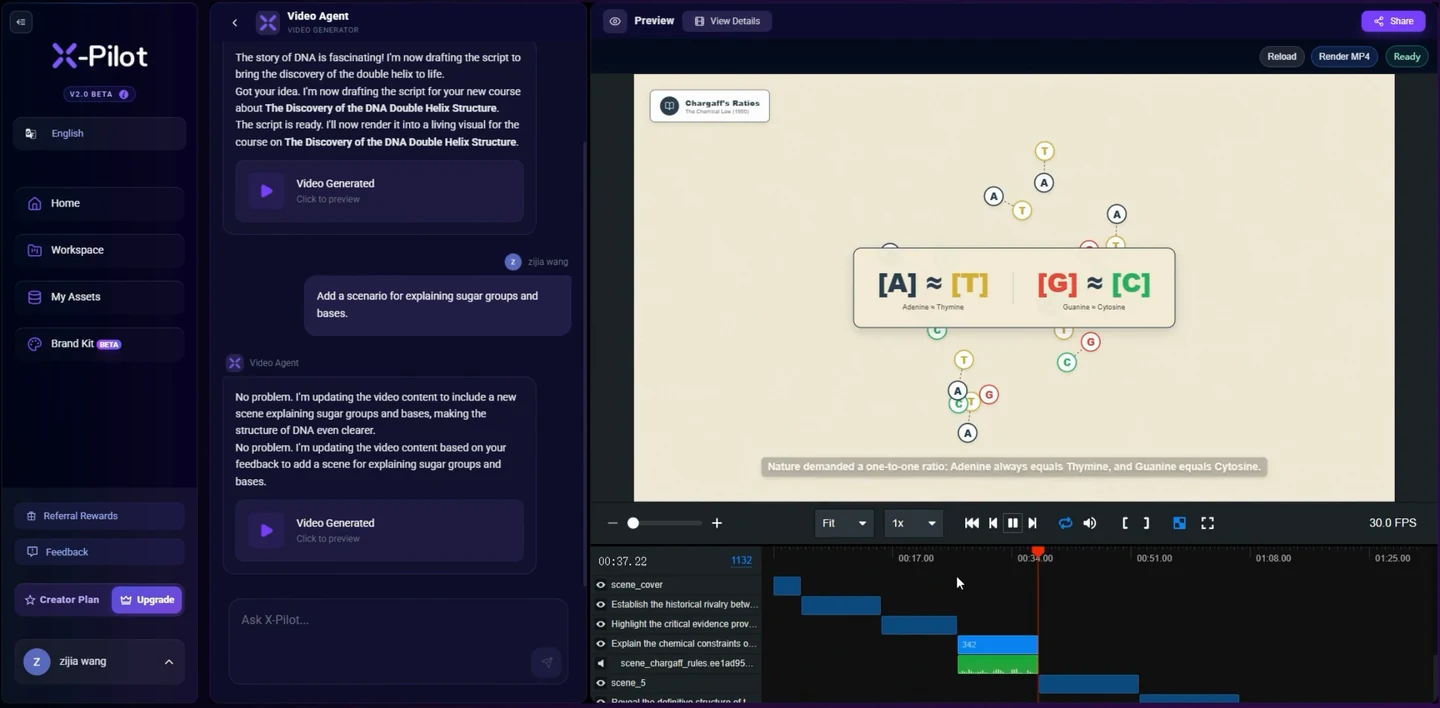
Use Martius desktop capture for a supported software workflow, or start with an approved local screen recording. Connect the captured clip to the actions and explanation in the script. The software film linked below is an authored interface illustration, not an operation recording.
Pick a workflow small enough to inspect
Define the person performing the task, what access they have, and what is already set up. End the sequence at a result the viewer can see. If a workflow depends on hidden setup, explain it before the first action or split the demo into separate sections.
For a sales conversation, select the steps relevant to the buyer’s decision. For an explainer, prioritize the relationship that needs understanding. For training, include the prerequisites and checkpoints a learner needs to repeat the procedure.
Prepare a clean demonstration environment
Use an approved test account and content cleared for the intended audience. Arrange a stable starting state and remove unrelated notifications. Confirm that the workflow behaves as expected before recording.
Inspect visible names, messages, browser tabs, and files. A harmless-looking screen can expose confidential information. Review the final recording as well as the account setup.
- Current product version and approved account
- Known starting state and required permissions
- Test content suitable for publication
- Expected result and a product reviewer
Write action, screen, and explanation together
Draft the script as a sequence of three-part notes: what the presenter does, what the viewer sees, and what needs explaining. Use the actual labels in the interface. Give important actions enough time to be seen before the narration moves on.
Read the narration while following the workflow. If the words describe a result before it appears, adjust the timing. If the narration explains a feature the screen never shows, add the evidence or remove the claim.
Use emphasis to guide attention
A crop, pointer, or annotation can help the audience find the relevant part of a screen. Keep the label, action, and resulting state visible. Avoid decorative movement that makes a real interaction difficult to inspect.
If you omit steps or accelerate a recording, say so when the edit could change the viewer’s expectation. Do not let a short edited sequence imply a measured task completion time.
Verify the meaning of the demo
Have the product owner check the sequence, wording, and result. Then ask a person unfamiliar with the workflow to explain what happened. Product accuracy and audience comprehension are different checks, and both matter.
Review captions and annotations for the same names used in narration. Check the closing invitation against actual availability and support. A demo does not by itself establish integration compatibility or a business outcome.
Keep the recording source attached to the script
Store the product version, recording date, source clip, and approved script with the film. When the interface changes, compare those materials with the current workflow before republishing.
Label the source honestly: supplied screen recording, live demonstration, or illustrative interface. Only an actual Agent operation and capture record can establish that an Agent recorded the software.
Use the next step in Martius
Keep the brief, sources and approved project revision connected as you move from this task into review and delivery. Choose the next workflow that answers your current question.
Questions about this workflow
Can I use a mock interface in a software video?
Yes, as an illustration with clear labeling. Use actual product footage when you need to demonstrate current behavior, prove an interaction, or teach a procedure someone should repeat.
How do I choose between a sales demo and training script?
A sales demo answers a buyer’s question. A training script teaches a repeatable procedure with prerequisites and checkpoints. The same product footage may support both, but the explanation and review should fit the task.
Is an edited demo a valid speed measurement?
No. Cuts, pauses, and accelerated footage affect elapsed time. A speed claim needs a separate recorded measurement with clear conditions.