Update the demonstrated product, not just its labels
A product demo becomes outdated when a viewer can no longer follow its labels, workflow or promise. Start an update by comparing the approved film with the current product. Identify what changed for the audience before changing the edit.
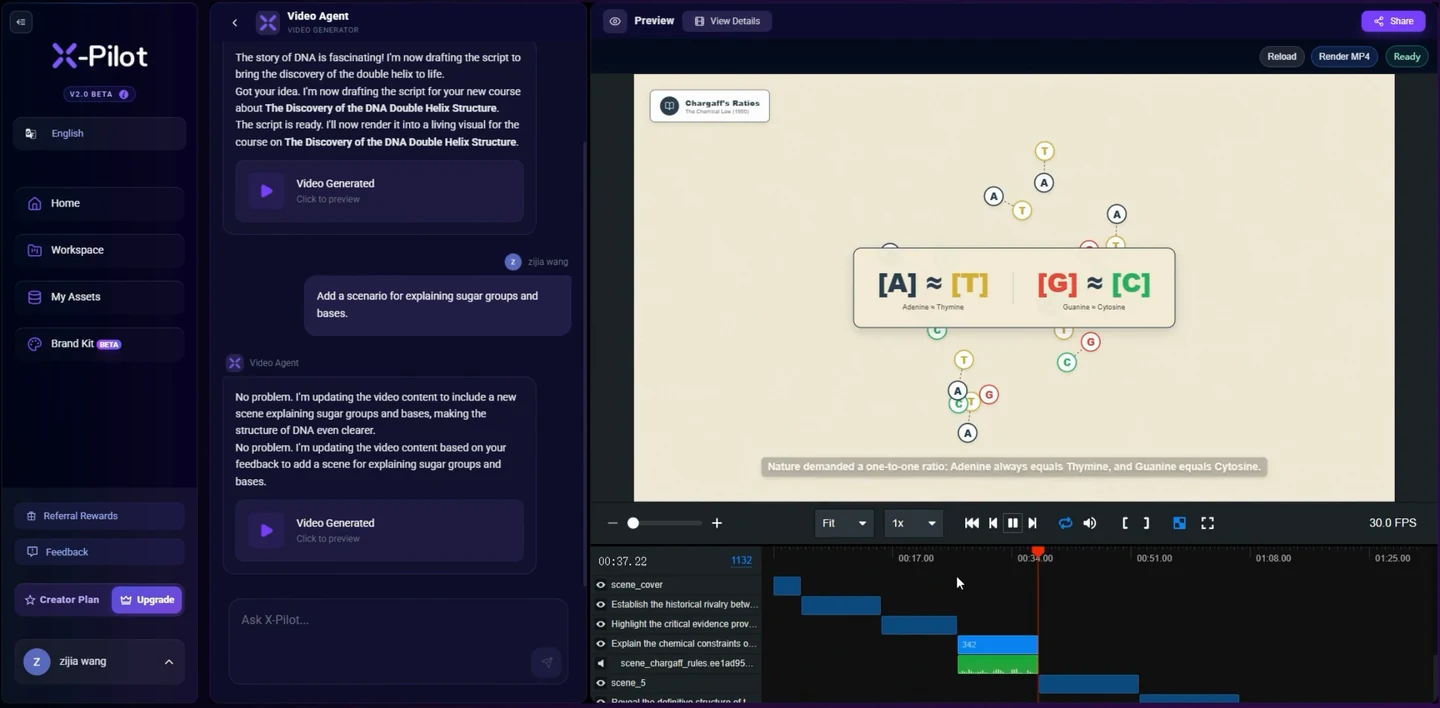
In Martius, open the demo project and give the Agent the approved replacement wording, current product materials and the change request. The impact review connects visible text, narration, captions, screen clips and scenes so you can decide which parts need attention.
Create a change record with a known reference
Keep the last approved project revision and delivered file as the comparison reference. Record the product version shown, recording date and audience. State the new version and why the change matters: a renamed action, new layout, removed feature or different outcome.
Do not quietly broaden the claim while updating the interface. “The menu moved” and “the product now completes the task automatically” require different evidence and different scripts.
- Previous product version and approved demo revision
- New terminology, workflow and supporting source
- Affected scenes, spoken lines, captions and links
- Creative sequences and evidence that should be retained
Inspect every place the old detail appears
Look beyond the selected screen clip. The old name may be spoken at the opening, printed in an annotation, repeated by a presenter, included in captions or used in a cover. The closing invitation and sales page may also need a change.
Review the Agent’s affected-content summary against the actual film. Mark unrelated creative preferences separately so a maintenance update does not turn into an unplanned rewrite.
Recapture the smallest complete workflow
Use a controlled test account with approved demonstration data. Set a known starting state, define the allowed actions and expected visible result, then capture the changed sequence with Martius desktop capture. Existing approved recordings can also be used as local sources.
Record enough context to connect the replacement clip to neighboring scenes. A close-up of the new button is insufficient if the action now has a new prerequisite or a different result. Stop and revise the script when the actual behavior differs from the approved explanation.
Reconcile narration, presenter and picture
Update the spoken explanation to match the new action and visible result. Recheck technical terms, pace, subtitles and scene timing. If an avatar appears in the demo, regenerate the affected passage with the approved presenter and voice rather than changing the script beneath an old spoken performance.
Keep emphasis useful: point to the relevant label or result without hiding it. A longer explanation may need a longer shot or a clearer transition. Review that effect instead of assuming every surrounding second remains identical.
Compare the new revision with the approved film
Check changed sections against the new sources, then compare retained sequences with the reference. Have the product owner verify behavior and a person unfamiliar with the workflow explain what happened. Those are separate checks.
Play the entire exported file. Look for mismatched terminology, old screens in later scenes, narration that leads the action, and a closing link that still points to outdated material. Record approval for the new revision and intended audience.
Deliver the replacement and keep the history
Export the new video and companion materials from the approved revision. The publication record helps locate the destination copies linked to the old delivery. Approve the replacement action for each destination; some services require a new asset or URL rather than replacing the existing video.
Keep the old approval and remote record attributable to the version they describe. For a training course, decide whether a content change requires a new course version and how prior completion records remain interpretable.
Questions about this workflow
When should I rerecord a product demo?
Rerecord the affected workflow when the current interface, prerequisite, action or result no longer matches the footage. A wording-only change may still need narration, annotations, captions or presenter updates.
Can I keep the opening and change one feature?
Yes. Name the sequences to retain and use the approved revision as a comparison reference. Check timing and surrounding scenes after the affected passage changes.
Does exporting a new demo replace every published copy?
No. Export creates a new local delivery. Review the destination records and approve the supported replacement or new upload action for each copy.
How should I handle an avatar when the demo script changes?
Update the affected narration and avatar performance with the approved presenter and voice. Review pronunciation, lip synchronization and scene timing alongside the real product footage.