Choose the approved revision and the purpose
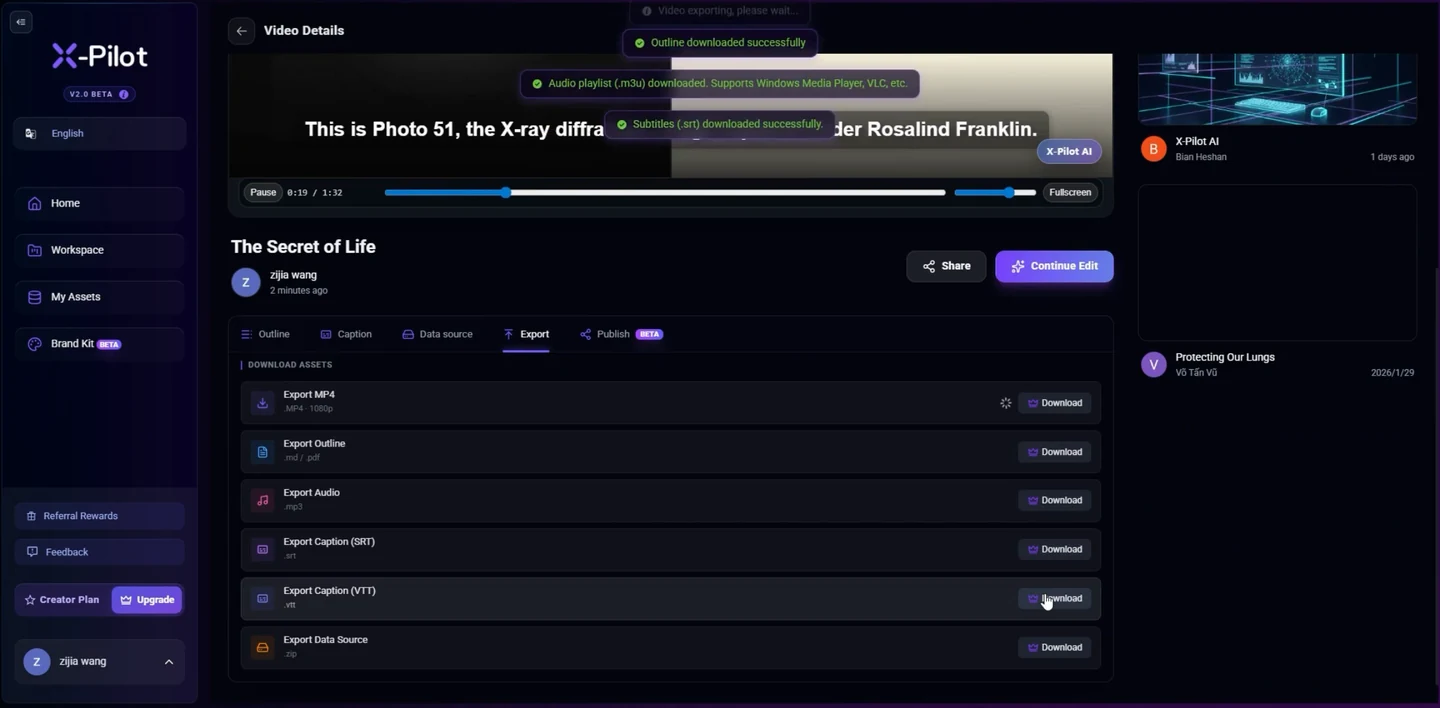
Export turns a video project into playable and reviewable local deliverables. Select the approved project revision and the task or channel version you want to deliver. The export settings belong to that snapshot; later project edits should produce a new delivery rather than silently changing an approved file.
Choose the destination purpose before the settings. An ad placement, a website launch, a sales handoff and an LMS course have different requirements. Use the supported profile shown in the app and verify any external destination’s current specifications.
Set picture and sound from the real destination
Choose the supported container and encoding profile, output dimensions, frame rate, quality and audio options. Inspect the displayed combination as a whole: a file extension alone does not describe the codec, and increasing pixel dimensions does not restore missing detail in a low-resolution source.
Review each composition for its frame shape. A portrait version may need a different product crop, presenter placement and reading time. A silent delivery should be a deliberate choice; a render missing its expected narration is not a successful silent version.
- Project revision, variant and intended destination
- Supported container, encoding and quality profile
- Actual pixel dimensions, frame shape and timing
- Narration, music, sound cues and audio setting
- Local folder, naming and overwrite decision
Choose captions, a cover and text companions
Select burned-in captions, a sidecar caption file or an intentional no-caption video according to the destination. Burned text becomes part of the picture; removing it requires a new export from the project. Separate caption files remain distinct companions and must be accepted by the player or platform.
Review caption language, important terms, cue timing and reading space against the actual narration. Check the cover and any transcript against the final film. A creation script and a verbatim audio transcript are different documents; label explanatory visual notes as such.
Keep attachments linked to the same revision and variant as the video. If a caption or cover fails, inspect the incomplete delivery instead of treating a playable MP4 as proof that every companion arrived.
Export locally and inspect the actual files
Choose the output folder and a filename that distinguishes the revision. Keep existing approved deliveries unless you explicitly choose to replace a file. Resolve missing media, fonts, path permissions and storage before starting a long export.
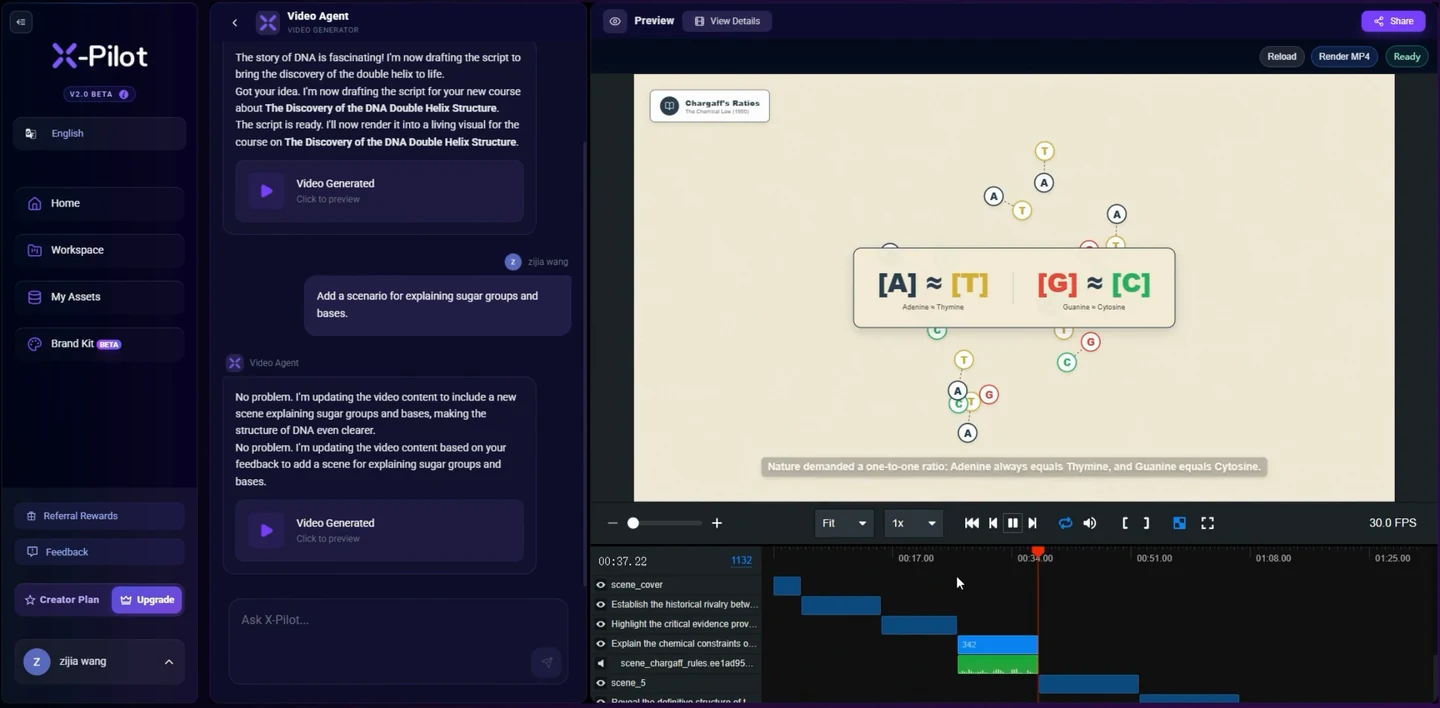
When the job finishes, open the resulting file and directory. Inspect the actual duration, dimensions, size, sound and companion files. Play the opening, transitions and ending, then review the whole film for product facts, audio, typography and framing. A preview and a completion message are not substitutes for the output.
Use the delivery record for identity and handoff
The delivery record connects the output to its project revision, variant and selected settings. It identifies file roles, measured properties and checksums so you can distinguish a new export from an earlier approved one. A checksum confirms file identity; it does not establish that a claim, sound mix or composition is correct.
Share only the selected delivery copy and appropriate companions. Do not include unrelated source folders, credentials or private material in a handoff. Keep the full editable project locally for the next revision.
Review variants and recover incomplete tasks
Each language or channel version needs its own inspection. Recheck layout, technical words, narration timing, CTA and the destination rather than approving a batch from one representative file. The batch result distinguishes complete outputs from failed or blocked items.
When a task is interrupted, inspect the saved job state and actual files. Resolve the reported missing source, font, directory or storage problem, then retry the affected output. Keep completed deliveries intact. Recovering job settings and rerunning a render is different from resuming an encoder at the exact frame.
Keep project backup, export and publication distinct
A playable video is a delivery. An editable project backup preserves the work needed to continue creating, with its asset references or included assets according to the selected backup. Publishing sends a selected delivery to a destination you approve; neither exporting nor backing up a project publishes it.
For learning, select the appropriate SCORM, standalone xAPI or cmi5 route. The course runtime and learning configuration are additional to a video file. Confirm the resulting lesson in the actual LMS or LRS.
Questions about this workflow
Is an MP4 an editable project backup?
No. A playable video is a rendered delivery. Keep the Martius project and its referenced or included assets for future editing and restore.
How do I choose resolution and frame rate?
Choose a supported profile for the actual destination and inspect the source quality and motion. Larger dimensions do not guarantee more source detail, and a sample film does not define every supported combination.
Can I export subtitles separately?
Choose the supported sidecar caption option when the destination accepts it, or a burned-in version when the text must appear in the picture. Review the caption file and video as related but separate outputs.
Does a successful export mean my video is published?
No. Export produces local files. Publishing is a separately approved destination action, with its own remote status and confirmation.
What happens if one batch item fails?
Review that item’s state, resolve its blocker and retry the affected output. Completed deliverables remain separately identifiable; a partial batch is not a complete delivery.